
You Won't Be Able to Book a Gas Cylinder Without Linking Your Aadhaar Card; Indane, BP, and HP Gas Users—Learn the Easy Way to Link It.
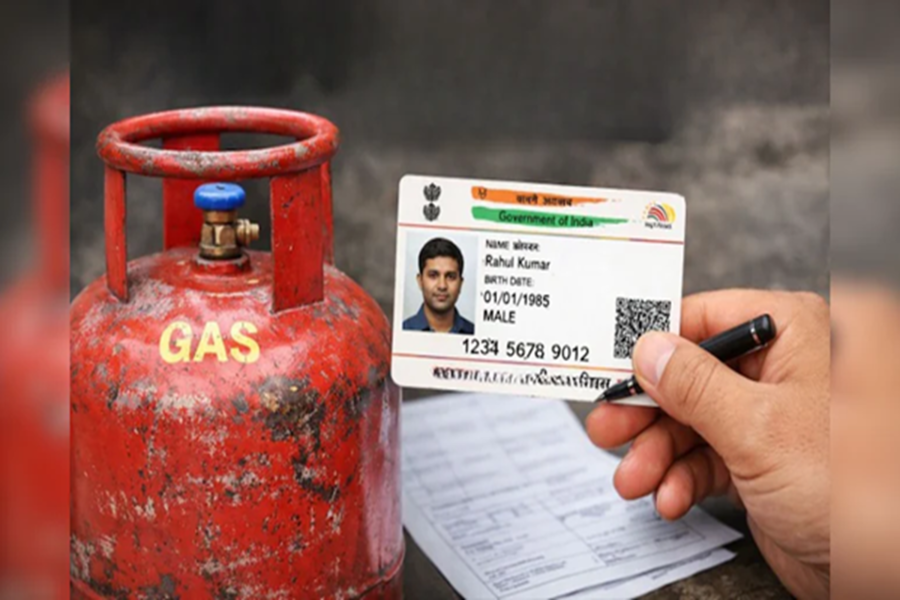
Aadhaar Card Linking for Cylinder Booking: In recent times, the ongoing tensions in the Middle East have had a noticeable impact on India. Reports of gas shortages have emerged from various parts of the country. Amidst this situation, the government has made it mandatory for all domestic LPG users to complete biometric Aadhaar authentication or e-KYC. If a consumer fails to complete the KYC process, they will be unable to book a gas cylinder. This measure has been implemented to curb fraudulent connections and prevent unauthorized bookings. In this context, we are here today to guide Indane Gas, BP, and HP Gas consumers on how to complete their Aadhaar e-KYC...
**How Indane Gas Users Can Complete Aadhaar KYC**
Indane Gas users should first visit the official Indane Gas website or mobile app. Next, log in and click on the 'Update KYC' or 'Aadhaar Linking' option. Then, enter your Aadhaar number and verify it using the OTP. Alternatively, you can also complete the Aadhaar authentication or e-KYC process by visiting your gas distributor in person.
**How Bharat Gas Customers Can Complete e-KYC**
To complete e-KYC, Bharat Gas users should visit the official website or app and log in using their Consumer ID. Then, click on the 'Aadhaar Seeding' or 'e-KYC Update' option. Subsequently, enter your Aadhaar number and complete the verification using the OTP. If you are unable to complete the e-KYC process via your mobile device, you may visit your nearest gas distributor.
**How HP Gas Users Can Complete e-KYC**
HP Gas users should visit the website or the 'HP Pay' app and log in using their details. Next, click on the 'Aadhaar Link' or 'KYC Update' option. Then, enter your Aadhaar number and complete the verification using the OTP. If you encounter any difficulties during the e-KYC process, you may visit your nearest gas agency for assistance.
Disclaimer: This content has been sourced and edited from NDTV India. While we have made modifications for clarity and presentation, the original content belongs to its respective authors and website. We do not claim ownership of the content.
