
Why doesn't the iPhone have a call-hanging button? The real reason will make you wonder, "Oh, it was so easy."
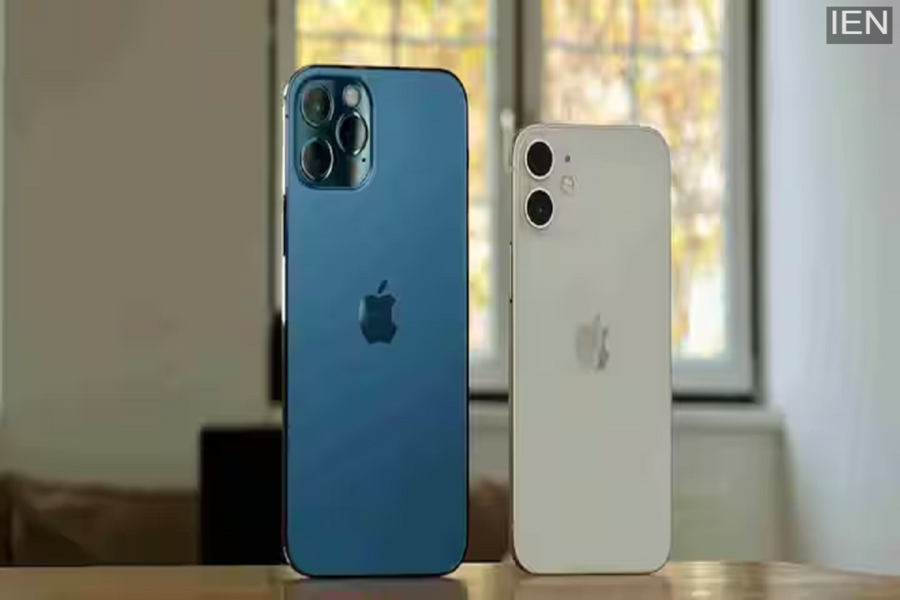
iPhone Tips: Many people wonder why the red "hang-up" button isn't clearly visible on the screen when the iPhone is locked, and a call comes in.
Many people wonder why the red "hang-up" button isn't clearly visible on the screen when the iPhone is locked, and a call comes in. This may seem strange at first glance, but there's a well-thought-out design philosophy behind it.
In fact, when the phone is unlocked, the user is actively interacting with the screen. When a call comes in, both green (receive) and red (hang-up) options appear, allowing the user to quickly decide whether to talk or not. In other words, when unlocked, the user has complete control.
But the story changes when the phone is locked. At that time, the device is often in a pocket, bag, or on a table. If the button to answer or hang up directly on the lock screen, a slight touch or pressure could accidentally receive or disconnect the call. To prevent this risk, the option to answer a call by sliding on the lock screen is provided, reducing the likelihood of accidentally receiving a call.
This design philosophy reflects Apple's strategy, which prioritizes user experience and minimizing accidental actions. The company's goal is to ensure that the phone doesn't take any inappropriate actions while in the pocket.
The question now arises: how can you hang up a call if the red button isn't visible on the lock screen? The answer is simple. When the iPhone is locked and a call is incoming, pressing the power button on the side silences the call. Pressing the same button twice also disconnects the call directly. This means the button isn't hidden, it just works differently.
Thus, what appears to be a flaw at first glance is actually a security measure. Hanging up a call on the iPhone isn't difficult, it just requires a little understanding.
