
Why do we experience network issues while traveling by train? Learn how to resolve them.
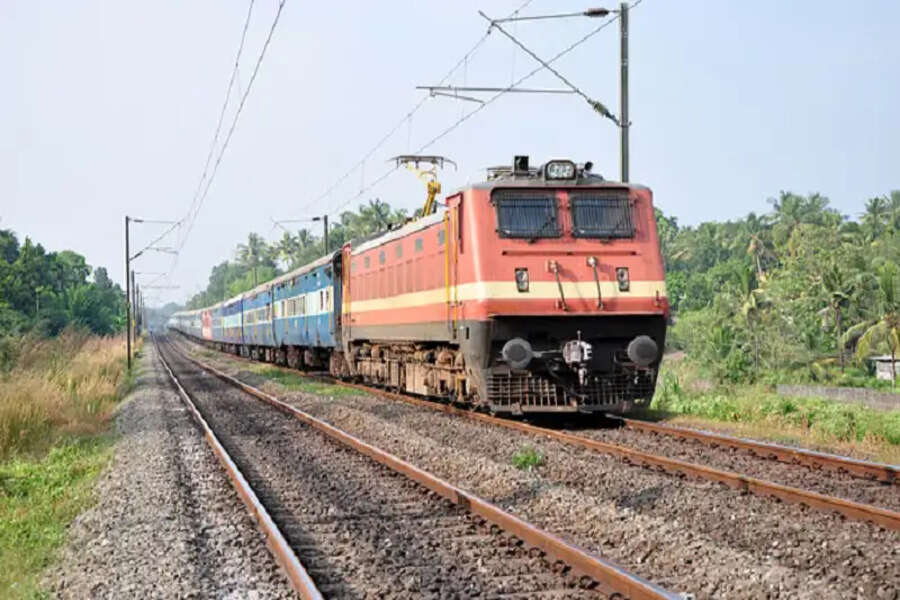
Mobile Network: Traveling by train has become a part of our daily routine for Indians. Whether it's a long or short journey, we enjoy using our mobile phones for internet access, watching videos, messaging, or making calls.
Mobile Network in Train: Traveling by train has become a part of our daily routine for Indians. Whether it's a long or short journey, we enjoy using our mobile phones for internet access, watching videos, messaging, or making calls. But as soon as the train picks up speed, network loss or slowdown is common. Why does this problem occur? Let's understand it in simple terms.
Why is there no network on trains?
The primary reason is that trains are constantly in motion and run at high speeds. Mobile network towers are located at a certain distance, and when a phone switches from one tower to another, network drops often occur. The faster the train travels, the greater the chance of a handover failure.
Another major reason is that most railways pass through rural, hilly, or forested areas. Telecom companies don't have as many towers in these areas, which weakens the signal. Another technical reason is that the train's entire structure is made of metal, which significantly blocks radio signals. This is why the signal often drops as soon as you board the train.
Why is the internet so slow?
Even if some network bars are visible, the internet still runs slowly. Hundreds of people use mobile data simultaneously on the train. This puts a sudden overload on the tower, causing the speed to automatically drop. This problem is especially common on high-traffic routes.
How to get rid of network problems?
While it's still difficult to get a completely perfect network on the train, some methods can definitely help: Sit near the window to minimize signal interference. Use the network with better coverage on the route from Airtel, Jio, or BSNL.
Use offline downloaded content instead of the internet to ensure a smooth journey. Keep VoWiFi (WiFi Calling) on. Call quality can improve if you have a station or free Wi-Fi.
