
Why do USB-C cables look alike but perform differently? Here’s the reason
USB-C cables may look identical, but they do not all share the same speeds and features. Their performance varies based on data transfer capabilities, charging power, and video support.
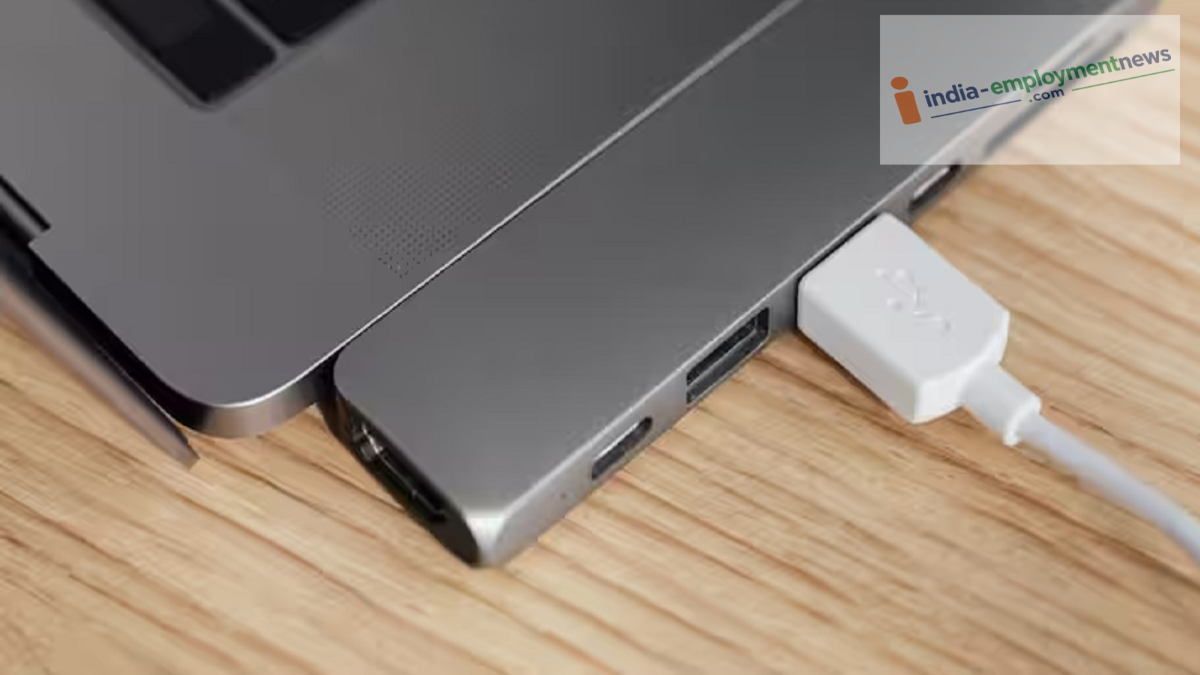
Nowadays, USB-C ports are found on most smartphones, tablets, laptops, and other gadgets. Visually, USB-C cables appear almost identical, leading many to assume that any USB-C cable will work the same way with any phone. However, the reality is quite different. Some cables are designed solely for charging, others support fast charging, while some enable high-speed data transfer and even video output. Let’s explore why these similar-looking USB-C cables function differently across various devices.
It is important to note that "USB-C" refers only to the connector type; the actual performance speeds vary. Different USB-C cables are based on different USB standards. Some cables are limited to USB 2.0 speeds, whereas premium, high-quality cables support USB 3.x or even faster standards.
This explains why transferring a large file might take just a few seconds with one cable, while the same task takes significantly longer with another. Therefore, you cannot gauge a cable's data transfer speed simply by looking at the USB-C connector.
USB-C cables also play a crucial role in charging. Not every cable is designed to handle power delivery in the same way; some are meant for standard charging, while others support higher power output and fast charging. Additionally, the phone's charger and the smartphone itself determine the actual power usage. In other words, simply buying a fast charger doesn't guarantee fast charging—the cable's power-handling capability is equally important.
USB-C ports are not limited to just charging and data transfer; some devices use USB-C to transmit video signals to monitors or televisions. However, not every phone or tablet's USB-C port supports video output. Similarly, not every USB-C cable is capable of carrying a video signal. Consequently, the same cable might enable display output on one device while serving only to charge or transfer data on another.
While a USB-C cable may look ordinary on the outside, its internal wiring differs significantly. Some cables feature more data lanes and superior electronic components, whereas cheaper cables lack certain essential connections. Certain high-power USB-C cables also contain an electronic marker, or "E-Marker," which helps communicate the cable's power capabilities to the charger and the device. This is why differences in charging speeds or other features are observed when using different cables.
