
Why do cybercriminals target people on WhatsApp? Learn the reasons behind this and how to stay safe.
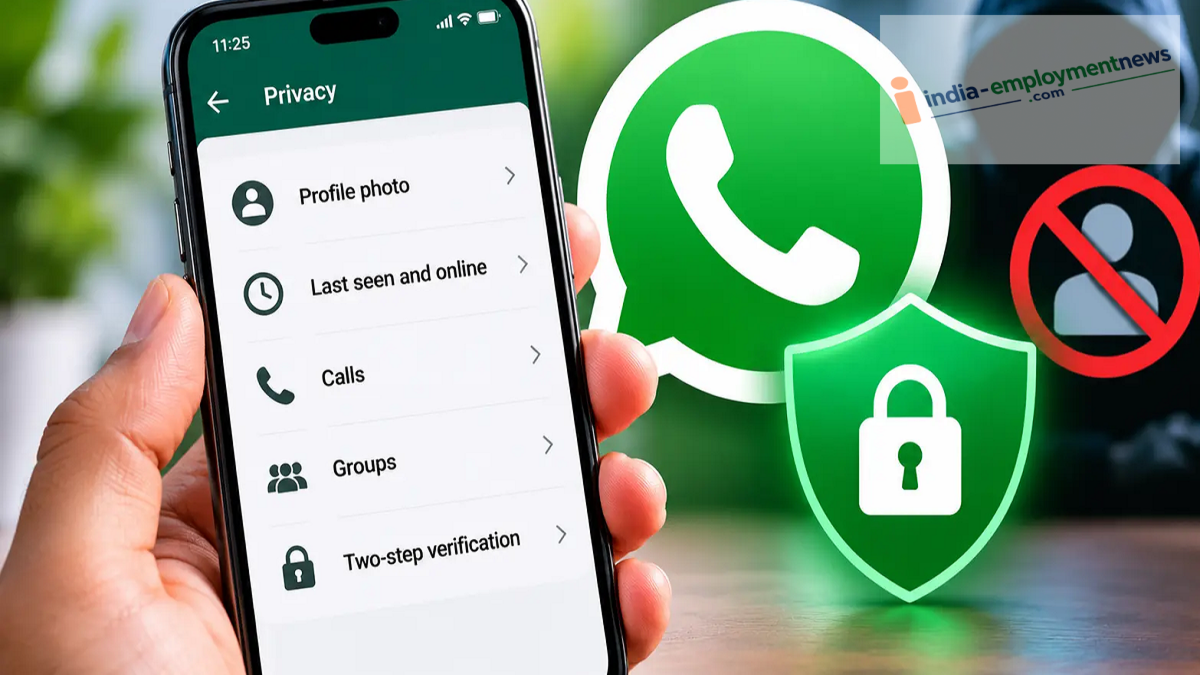
Use these security features to protect yourself from cybercriminals on WhatsApp. Learn how to avoid calls and messages from unknown sources and keep your account secure.
Nowadays, WhatsApp is no longer just a tool for sending messages or making calls. Cybercriminals are also using it to ensnare people in their traps. They may pose as bank officials to solicit money, or send messages pretending to be someone you know to commit fraud. Furthermore, they often attempt to steal personal information or swindle money by tricking users into clicking on suspicious links.
In such situations, certain WhatsApp security features can prove useful. They help in identifying suspicious numbers, avoiding calls from unknown sources, and keeping your account secure.
Why do cybercriminals specifically target WhatsApp?
You might be wondering why cybercriminals choose WhatsApp as a platform for their fraudulent activities. The reason lies in the sheer number of WhatsApp users. With hundreds of millions of users worldwide, it becomes easy for cybercriminals to reach people through this platform.
These scammers often send messages while posing as family members, friends, companies, bank employees, government officials, or customer care representatives. Sometimes, they claim there is an emergency to solicit money; at other times, they ask for an OTP or verification code in an attempt to take over your account and steal personal information.
They also frequently send fraudulent links; clicking on these can put a user's information at risk. To protect against such fraud, WhatsApp provides several security features that offer additional context and protection when interacting with unknown individuals.
What steps should you take to stay safe?
1. Be cautious of messages from unknown numbers
If you receive a message from an unknown number asking you to send money, provide bank details, or click on a link, do not act in haste. For certain unknown contacts, WhatsApp provides security-related information along with options to block or report the sender. Always verify the identity of the sender before trusting any message.
2. Block and report suspicious accounts
If a number is repeatedly bothering you or its messages appear to be related to a scam, you can block it. There is also an option to report the account. This alerts WhatsApp to the suspicious account, allowing the platform to investigate it.
3. Silence calls from unknown numbers
WhatsApp includes a ‘Silence Unknown Callers’ feature. When enabled, calls from numbers not saved in your contact list will not ring. However, these calls will still appear in your call log. This can help reduce the nuisance caused by frequent calls from unknown numbers.
4. Keep your profile information secure
Through WhatsApp’s privacy settings, you can control who can view your profile photo, ‘last seen’ status, online status, ‘about’ section, and status updates. It is best to restrict access to your personal information to people you trust; this prevents strangers from obtaining details about you.
5. Understand end-to-end encryption
Private messages and calls on WhatsApp are protected by end-to-end encryption, meaning the content of your conversations remains secure between the sender and the recipient. However, this feature does not, by itself, prevent online scams. If you voluntarily share an OTP, bank details, or other sensitive information with a scammer, encryption cannot protect you from that fraud.
6. Enable two-step verification
Two-step verification is also essential for keeping your WhatsApp account secure. When enabled, a six-digit PIN is required whenever you register your account on a new device. This makes it more difficult for someone else to take control of your account.
Keep these points in mind as well:
If an unknown person on WhatsApp urgently asks for money, requests an OTP or verification code, or sends a suspicious link, be cautious. Furthermore, if someone claiming to be an acquaintance asks for money, verify it by calling their original, known phone number. Do not share your screen at the request of an unknown person, and avoid downloading any files without first verifying their source.
Remember, while WhatsApp’s security features are helpful, staying vigilant is essential to avoid falling victim to fraud. Always verify the authenticity of any message or call from an unknown source before trusting it.
