
Why am I not receiving the OTP even after entering my Aadhaar details? Here’s how to fix the issue..
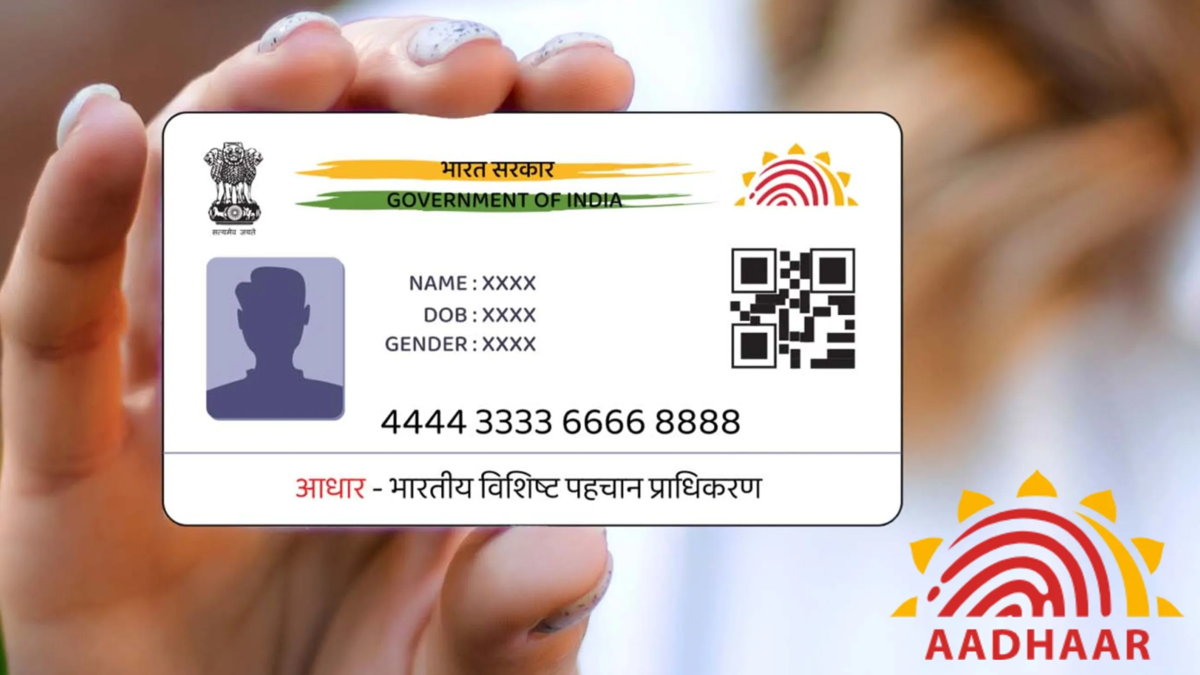
The Aadhaar card is not merely a document; it has become a necessity. Aadhaar is frequently required for verification purposes across various services. Such verification can only be completed if the correct mobile number is registered with Aadhaar.
Difficulties arise when you need to perform Aadhaar-related tasks but fail to receive the OTP on your mobile. Many services—ranging from banking to online verification—require the mobile number linked to your Aadhaar. If an outdated or incorrect number is registered, you may face issues receiving the OTP. Here is how you can update the correct mobile number in your Aadhaar records.
How to update the mobile number in Aadhaar?
To change the mobile number linked to Aadhaar, first check which options are available to you. You can use the Aadhaar app or the official UIDAI website for this purpose.
1. Open the official Aadhaar app and look for the option to update your mobile number.
2. Complete the verification process using a face scan or an OTP.
3. After verification, enter the new mobile number. Provide any other details if requested.
4. Pay the required fee and submit the application.
5. You can track the status of your application online.
Please note that this process will proceed only if the mobile number update feature is available on the app and your identity verification is successfully completed.
How to book an appointment via the UIDAI website:
1. Visit the official UIDAI website at https://uidai.gov.in.
2. Navigate to the Aadhaar services section and select the ‘Book an Appointment’ option.
3. Select your city or the nearest Aadhaar Seva Kendra (Aadhaar Service Centre) from the available options.
4. Fill in the required information and choose a suitable date and time.
5. Review all details and submit the appointment request.
6. Visit the Aadhaar Seva Kendra at the scheduled date and time. Complete the process of updating your mobile number there after the necessary verification.
What to do if you do not receive the OTP?
If you are not receiving the OTP on the mobile number linked to your Aadhaar, first check whether the number was entered correctly. Network issues or delays in receiving SMS messages on your mobile could also be the reason. Try again after some time. If you still do not receive the OTP, check the status of the mobile number registered with Aadhaar and, if necessary, follow the procedure to update it.
