
What to do if money is deducted but the Tatkal ticket isn't issued? Here’s the complete refund process.
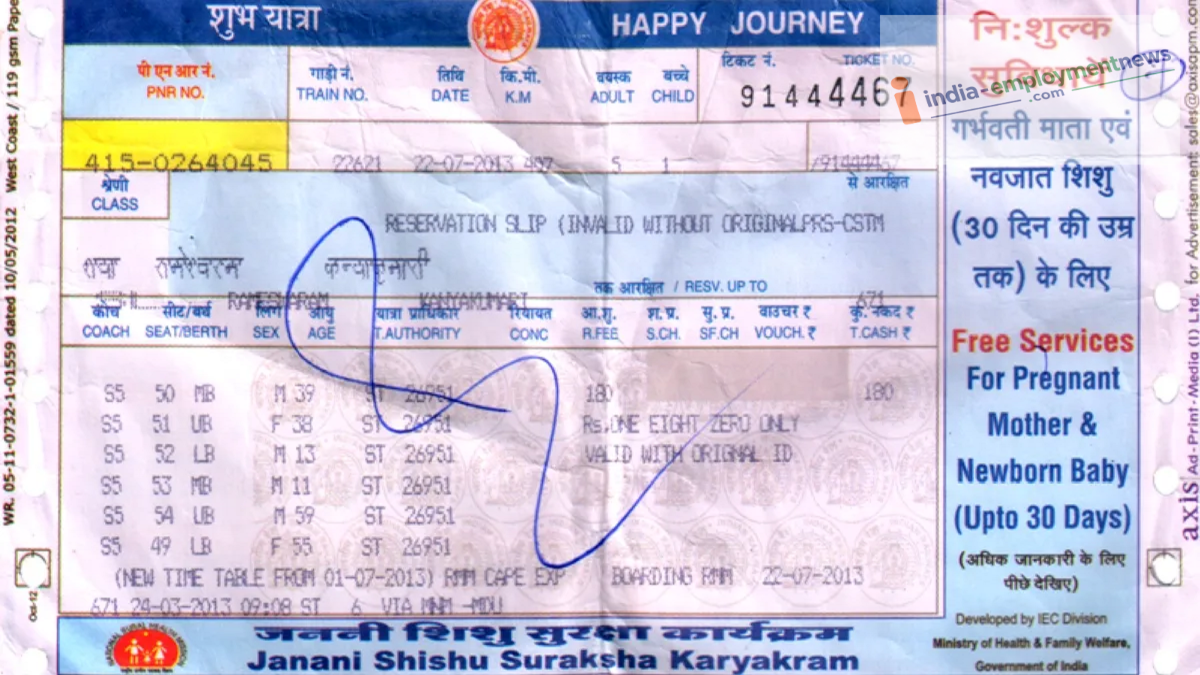
If money is deducted from your account while booking a Tatkal ticket but the booking isn't confirmed, there is no need to panic. Find out when and how you will get your money back and what steps need to be followed.
It often happens that while booking a Tatkal ticket, a seat appears available and money is deducted from your account upon booking, yet the ticket itself isn't successfully booked. This situation causes a lot of anxiety. People wonder how they will get the deducted money back and how long the refund will take. If this has happened to you, there is no need to worry excessively. The Railways provides a refund if a Tatkal ticket is not successfully booked. You can understand the details here.
What should you do first?
If money has been deducted while booking a Tatkal ticket, first check whether the ticket was actually booked or not. Sometimes the payment goes through, but the ticket's PNR does not appear on the screen immediately. To verify this, check the 'Ticket History' section on the IRCTC website or app. If the ticket appears there, you will be able to see the PNR and the ticket status. If the ticket is not in the history and no PNR has been generated, then the ticket was not booked.
Money deducted but no ticket received?
If the payment was deducted from your bank account but the ticket was not booked, the transaction amount is refunded via the bank or the payment gateway. Essentially, you usually do not need to cancel the ticket separately because it was never generated in the first place. The refund amount is automatically credited back to the account used for the payment.
When will the money be refunded?
To know when the refund will arrive, you need to consider how the payment was made and at what stage the transaction failed. Sometimes the money is refunded quickly, while at other times, it may take longer due to bank processing times, holidays, or payment gateway procedures. Therefore, be sure to check your bank account and IRCTC booking history before attempting to make the payment again immediately.
What should you do if the refund has not been received even after several days?
If the ticket was not generated and the money has not been refunded, first check the transaction status in your bank account or UPI app. Keep the transaction ID, bank reference number, and payment date handy. You can then lodge a complaint with IRCTC customer support. Providing details such as your IRCTC user ID, booking date and time, payment amount, payment method, and transaction ID when filing the complaint makes it easier to track the issue.
