
What is NAT Type, and how can a single setting boost internet speed?
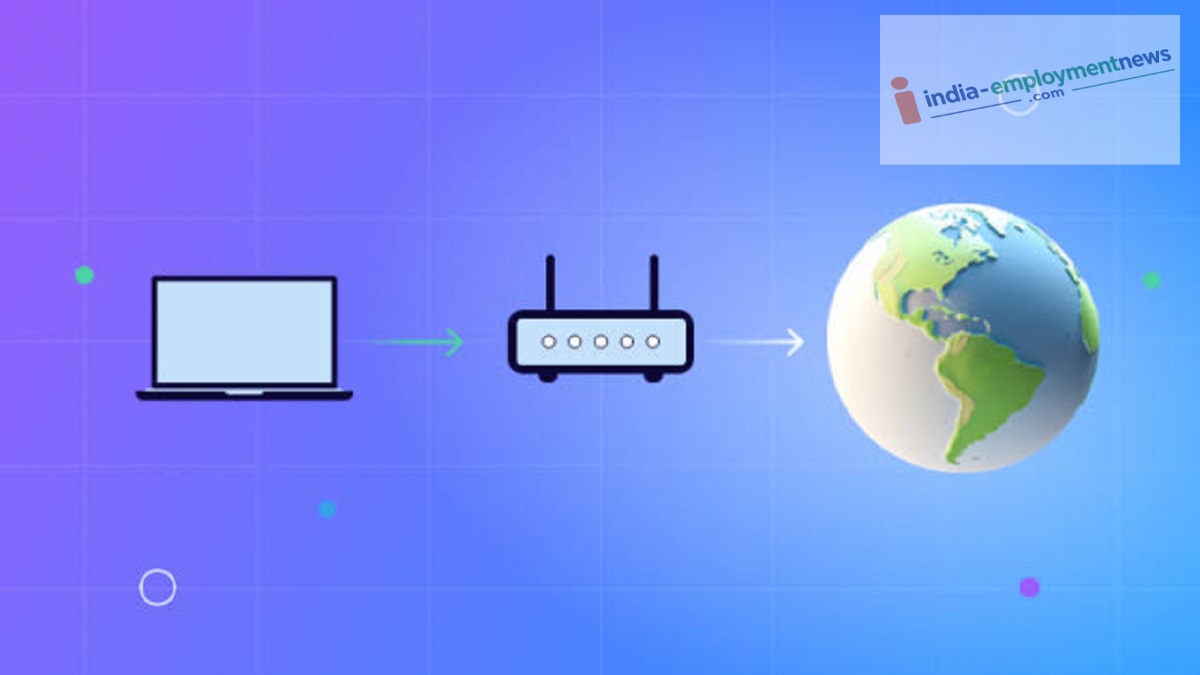
NAT—or Network Address Translation—is a technology that connects multiple devices in your home to the internet using a single public IP address.
NAT Type: In today's digital age, the internet has become a necessity. Wi-Fi is now available almost everywhere—from offices and malls to homes. However, internet speeds can sometimes become quite slow. Fortunately, Wi-Fi routers come with features that allow you to resolve such issues yourself. One such feature is NAT Type (Network Address Translation Type). It impacts the performance of online gaming, video calls, live streaming, and various other internet services. If the NAT Type is configured correctly, you can often achieve a better and more stable connection. Let’s explore what NAT Type is, how it works, and why understanding it is important.
What is NAT Type?
NAT (Network Address Translation) is a technology that connects multiple devices in your home to the internet via a single public IP address. When you connect devices like a mobile phone, laptop, smart TV, or gaming console to a Wi-Fi router, the router uses NAT to manage the data traffic for all those devices.
What is NAT Type, and how can a single setting boost internet speed?
NAT Type determines how easily your device can connect to other devices or servers on the internet. It plays a crucial role, particularly in online multiplayer games, video conferencing, and Peer-to-Peer (P2P) connections.
Does changing the NAT Type increase internet speed?
It is a common misconception that changing the NAT Type automatically increases internet speed. In reality, the NAT Type does not increase the download or upload speeds defined by your internet plan. However, if you engage in online gaming, make video calls, or use apps that rely on direct connections, having the right NAT type can lead to a more stable connection, reduced latency, and fewer connectivity issues.
What are the different NAT types?
Most routers and gaming platforms feature three types of NAT:
Open NAT (Type 1 or Open)
This is considered the best option. Your device can easily connect to almost all servers and other players. In online gaming, matches are found quickly, and connection-related issues are minimized.
Moderate NAT (Type 2)
This is the most common NAT type. Most online services work properly, though you might encounter issues connecting to certain players or servers. It is considered quite adequate for standard internet usage.
Strict NAT (Type 3)
In this state, your router enforces strict security rules. This can lead to difficulties joining lobbies, using voice chat, or establishing P2P connections in some online games.
Which router settings can help?
If your NAT is set to 'Strict,' certain router settings can help improve the situation:
Enabling UPnP (Universal Plug and Play)
Configuring Port Forwarding (if necessary)
Keeping the router's firmware updated
How do you choose the right network settings for a gaming console or PC?
It is advisable to modify settings like Port Forwarding only if you are knowledgeable about them; incorrect configuration can lead to security issues.
Should every user change their NAT settings?
Not necessarily. If you primarily use the internet for web browsing, social media, OTT platforms, or standard video streaming, there is usually no need to change your NAT type.
However, if you frequently experience disconnections in online games, voice chat issues, matchmaking problems, or connectivity troubles with P2P apps, it is a good idea to check your NAT type.
How do you check your NAT type? For your information, many gaming consoles—such as PlayStation and Xbox—display the NAT Type during network tests. Network-related information is also available in the admin panels of some routers. If necessary, you can also contact your Internet Service Provider (ISP), as the NAT Type may be restricted in some cases due to Carrier-Grade NAT (CGNAT).
