
What Happens at the Toll Plaza if Your FASTag Gets Blacklisted? Here’s How to Reactivate It from Home
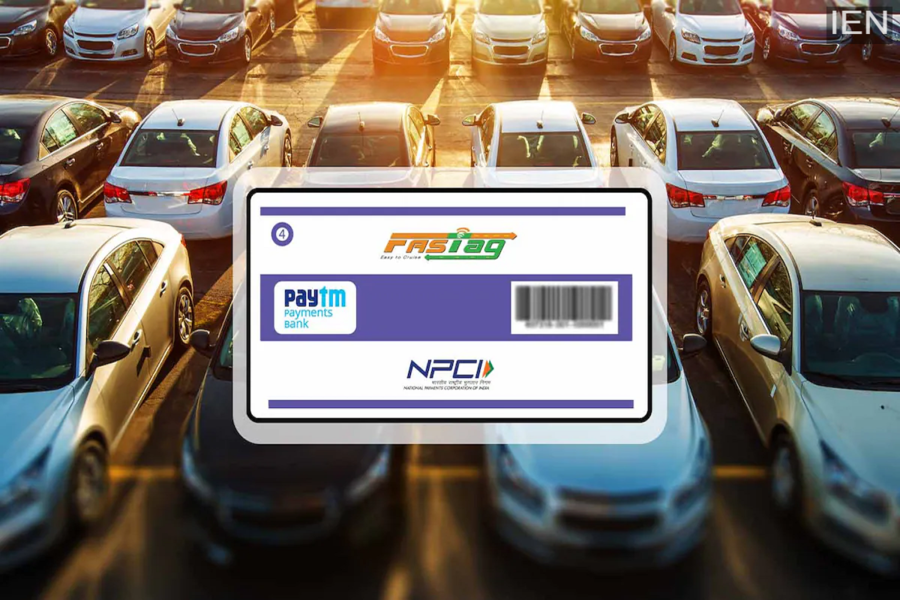
FASTag Blacklisted: If your FASTag has been blacklisted, there is no need to panic. You can find out right here exactly what you need to do during the scanning process at the toll plaza.
FASTag Blacklisted: In today's times, the majority of people traveling on highways utilize FASTag. This eliminates the need to wait in long queues at toll plazas, as payments are processed automatically. However, people's FASTags occasionally get blacklisted without warning, leading to complications at the toll booths. Consequently, it is crucial to understand what transpires when a FASTag is blacklisted and how you can reactivate it from the comfort of your home.
What Happens When a FASTag Gets Blacklisted?
If your FASTag has been blacklisted, the system will reject it during the scanning process at the toll plaza. In other words, your tag will not function. In such a scenario, the vehicle driver may encounter difficulties at the toll plaza. The most significant drawback is that you may be required to pay double the standard toll tax. According to the regulations set by the National Highway Authority, if a FASTag fails to work or is found to be blacklisted, the vehicle is treated as if it were in a 'Cash Lane,' and a double charge may be levied. Furthermore, you may also face a prolonged wait at the toll booth.
Why Does a FASTag Get Blacklisted?
There can be several reasons behind a FASTag getting blacklisted. The most common cause is an insufficient balance. If there are insufficient funds in your FASTag wallet or the linked bank account, the tag may be blacklisted. Additionally, incomplete KYC (Know Your Customer) documentation, prolonged periods of inactivity (non-usage), discrepancies in updating vehicle registration details, or technical glitches on the bank's end can also be contributing factors. Often, people fail to deactivate their old FASTag after purchasing a new vehicle, which can also lead to complications.
Here’s How to Reactivate It from Home:
If your FASTag has been blacklisted, there is no need to visit any physical location to reactivate it. This task can be accomplished right from your home using your mobile phone. To begin, simply log in to your FASTag mobile app or visit your bank's official website. Visit the platform to check your balance and, if necessary, recharge it immediately. In many cases, the FASTag becomes active again just a few minutes after a recharge. If your KYC verification is pending, upload the required documents. For this, you may need your Aadhaar card, PAN card, and the vehicle's Registration Certificate (RC). The tag should become operational again once the KYC process is complete. Additionally, if the issue persists, contact the customer care support of your FASTag provider. Most banks and companies offer customer support services through their mobile apps.
Note:
You should always check your FASTag balance and status before setting out on a highway journey. Doing so helps avoid unnecessary hassles at toll plazas. Furthermore, it is essential to keep your KYC details updated periodically. Even a minor oversight can sometimes complicate your journey. Therefore, it is prudent to always keep your FASTag active and up to date.
