
What does the Apple Watch's Water Lock feature do, and how is it useful for users?
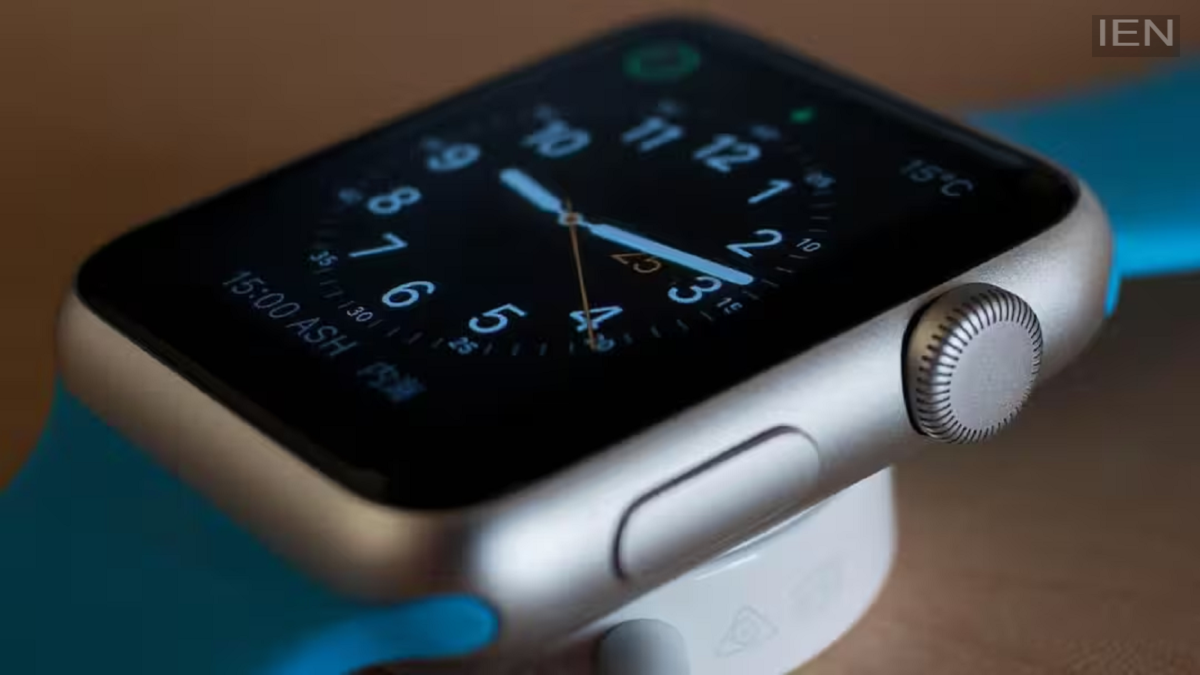
When Water Lock is activated, the Apple Watch's touchscreen is temporarily disabled. This prevents water pressure or droplets from accidentally triggering commands or launching apps on the screen.
Apple Watch Water Lock: In today's digital world, there are many smart devices available, with smartwatches being a particular favorite among consumers. Smartwatches have become highly useful devices, utilized for everything from health monitoring to sleep tracking. The market offers a wide range of smartwatches, spanning from premium models to budget-friendly options.
In this context, Apple offers its own smartwatch—the Apple Watch. It includes a feature called "Water Lock," though many users are unaware of exactly what it does. Let’s take a closer look at this feature.
What does Water Lock do?
When Water Lock is activated, the Apple Watch's touchscreen is temporarily disabled. This prevents water pressure or droplets from accidentally triggering commands or launching apps on the screen. Notably, when you exit the water and turn off Water Lock, the Apple Watch emits specific sound pulses from its speaker. These vibrations expel any water trapped in the speaker's small openings. Essentially, this feature fully protects your smartwatch from potential water damage.
How do you enable this feature?
This feature is available on the Apple Watch Series 2 and all subsequent models. To activate it, first press the Side Button to open the Control Center. Then, tap the icon that looks like a water droplet.
Water Lock will then activate, and the screen will lock. After exiting the water, press and hold the Digital Crown for a few seconds. After this, the watch will begin the process of expelling water, and sounds will be audible for a few seconds. This feature is extremely useful for users; you can easily utilize it during the rainy season, while working near water, or in places like swimming pools. It also protects the smartwatch from water-related damage.
