
Want to update your address in your Aadhaar card online? Here's a step-by-step guide.
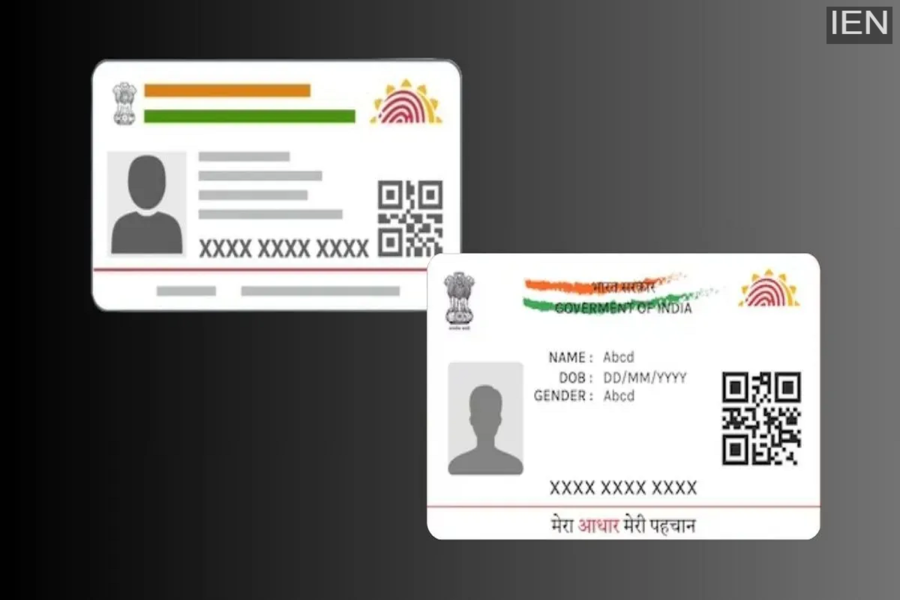
Learn how to update your address in your Aadhaar card online in 2026 with this step-by-step guide.
Aadhaar Update: If you are moving to a new house and want to update your address and other information in your Aadhaar card but don't know the complete process, then keep in mind that the Aadhaar card is one of the most important documents that should always be kept updated. It is used in banks, government services, and other official work. The best part is that updating your address online is easy with the help of UIDAI, the Aadhaar issuing authority, and it can be done without any fee until July 14, 2026. This allows you to keep your records accurate without visiting an Aadhaar center.
Here, we are providing you with a step-by-step guide on how you can update your address in your Aadhaar online from the comfort of your home. This will allow you to easily get your work done without visiting an Aadhaar center, and the updated card will be delivered to your home.
Easy Step-by-Step Guide to Update Your Aadhaar Card Address Online
Step 1: Open your computer, tablet, or smartphone and go to the official myAadhaar portal.
Step 2: Enter your 12-digit Aadhaar number and the captcha code displayed on the screen.
Step 3: Enter the OTP received on your registered mobile number to log in securely.
Step 4: After logging in, go to the Address Update option and select the Address field.
Step 5: Carefully select one of the given addresses and add your new address, whether it includes C/O, S/O, W/O, or D/O.
Step 6: Upload a valid Proof of Address (POA) document. Valid documents include a passport, bank statement, utility bill, or rent agreement. Ensure that the uploaded document matches the typed address.
Step 7: Check all the details and verify that everything is correct, then submit the request.
Step 8: Submit your update request. To track your application, you will need a Service Request Number (SRN) or an Update Request Number (URN).
Step 9: Monitor your update status using the SRN/URN on the myAadhaar portal. The update process usually takes a few days, although in some cases it may take up to 30 days.
Step 10: Once approved, download your updated Aadhaar e-card directly from the portal.
