
UIDAI: This Aadhaar service will remain free until December 31, 2026; major decision by UIDAI..
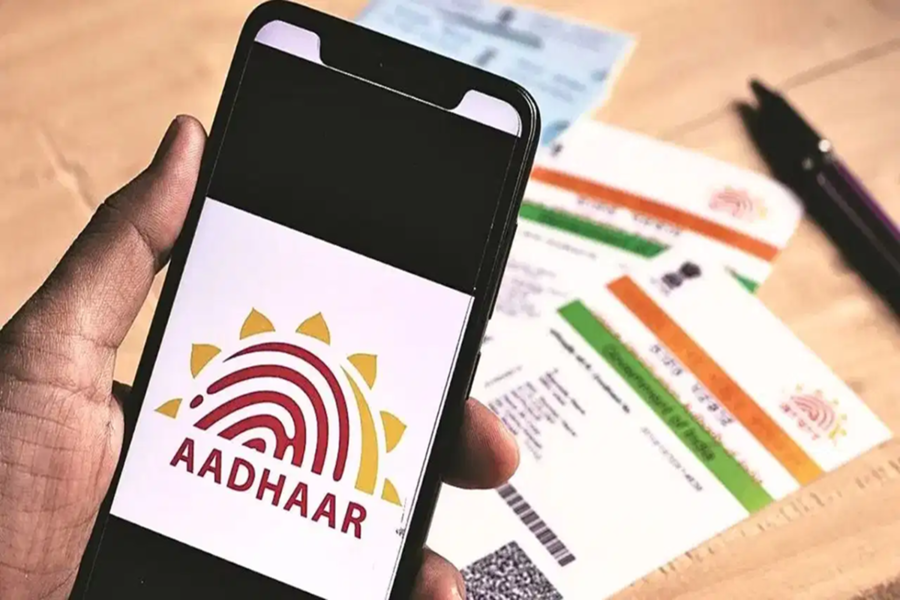
If your email ID is not updated on your Aadhaar card, or if you wish to change your existing email address, there is good news for you. Providing significant relief to Aadhaar holders, UIDAI has launched a new facility that allows users to update their email ID free of charge. This service will remain available at no cost until December 31, 2026.
Previously, updating an email ID in Aadhaar required a payment of approximately ₹75 plus GST. Now, however, users can complete this process using their mobile phones without incurring any cost. There is no need to visit an Aadhaar Seva Kendra for this purpose.
**Convenience from the comfort of your home**
UIDAI’s new Aadhaar mobile app is designed to offer various services to users right from the comfort of their homes. Through this app, users can update various details linked to their Aadhaar, including their email ID. This will save time and reduce overcrowding at Aadhaar centers.
**Why is updating your email important?**
In today's digital era, an email ID has become a crucial form of identification. The use of email is constantly increasing across banking services, insurance, government schemes, and online verification processes. Linking the correct email to your Aadhaar ensures you receive all essential updates and notifications on time. Conversely, having an incorrect or outdated email address can lead to missing out on important information.
**Free service until 2026**
UIDAI has clarified that this free service will remain in effect until December 31, 2026. During this period, any Aadhaar holder can easily update their email ID via the mobile app without paying any charges. This presents a great opportunity for those whose email details are not currently updated.
**How to update your email via the Aadhaar App**
First, download the official UIDAI Aadhaar app on your smartphone. After opening the app, log in using your Aadhaar number and complete the face authentication or other available verification processes. Once logged in, navigate to the 'Update Email' or 'Update Aadhaar Details' option. Enter your new email ID and carefully review all the information.
Finally, submit the request. Once the process is complete, you will receive a Service Request Number (SRN), which allows you to track the status of your update. This new facility has made the Aadhaar update process easier, faster, and more digital than before.
Disclaimer: This content has been sourced and edited from TV9. While we have made modifications for clarity and presentation, the original content belongs to its respective authors and website. We do not claim ownership of the content.
