
UIDAI has deactivated 2 crore Aadhaar cards. Are you on this list? Check here.
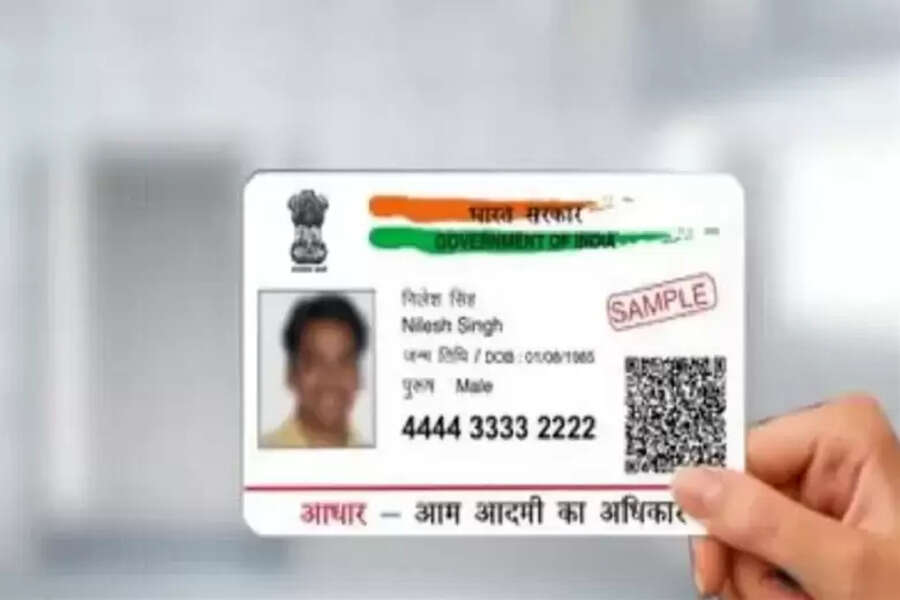
Aadhaar Card Deactivated: UIDAI has carried out a major cleanup across the country, removing millions of Aadhaar numbers. If you want to know the status of your Aadhaar, you can check it instantly through UIDAI's online verification.
Aadhaar Card Deactivated: The Aadhaar card is a very important document used in the country. Approximately 90% of the population has it. UIDAI recently took a step regarding Aadhaar cards that has captured national attention. UIDAI has deactivated approximately 2 crore Aadhaar numbers. This move is part of a larger cleanup drive underway across the country.
Now, many people are wondering why UIDAI took this decision. At the same time, many fear that their Aadhaar has also been deactivated. Let us explain why these Aadhaar cards have been deactivated and how you can check if yours is included in this list.
2 crore Aadhaar cards were deactivated for this reason
According to UIDAI, this entire campaign was launched to deactivate the Aadhaar numbers of deceased individuals. The government receives information from various sources indicating that a person is no longer alive. Following this, the Aadhaar number is marked inactive in the system. This is necessary because if a deceased person's Aadhaar remains active,
their identity could be used for banking fraud, subsidy fraud, or other illegal activities. The 2 crore Aadhaar cards that have been deactivated will eliminate security risks. This will increase transparency in government schemes and significantly reduce the possibility of using fake identities.
Is your Aadhaar deactivated or active?
If you want to check if your Aadhaar has been deactivated, please contact us. You can check this by going to the Aadhaar Verify option on the UIDAI website, https://myaadhaar.uidai.gov.in/verifyAadhaar. In this feature, you enter your 12-digit Aadhaar number, and the system immediately tells you whether it exists. After entering the number and completing the process, as you proceed, your Aadhaar number will appear on the screen with "Exists" next to it. If not, it will display "Invalid Aadhaar."
