
UAN-Aadhaar Link: Your PF money won't be stuck anymore! The easiest way to link your Aadhaar with your UAN..
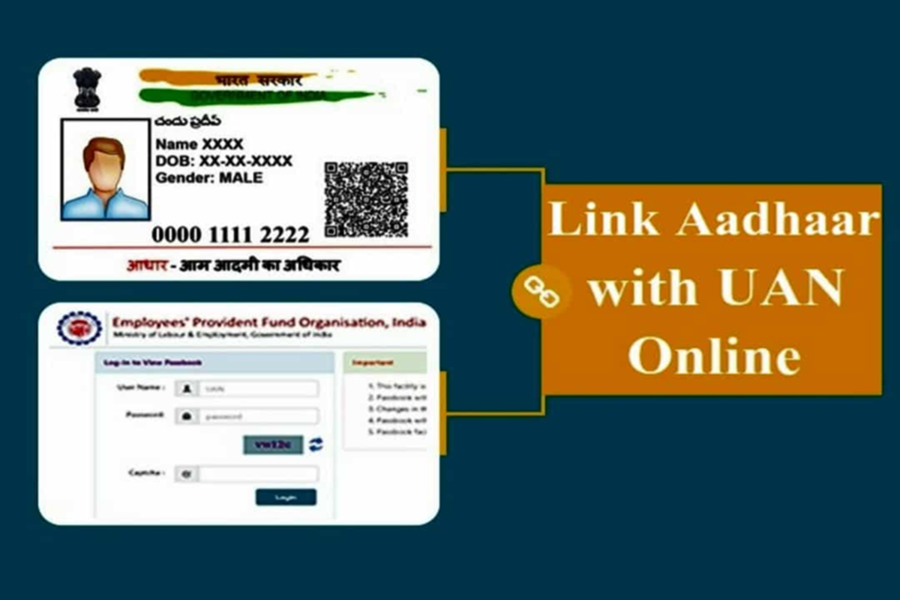
Most people don't think about Aadhaar-UAN linking until something goes wrong. Failure to do so could result in delays to your EPF transfers upon changing jobs, withdrawal requests, and many other similar problems. In such a situation, quickly linking your Aadhaar eliminates one of the most common obstacles in the EPFO process. Let us explain how you can link your Aadhaar to your EPF UAN in minutes, from the comfort of your home…
Check before accessing the portal:
Ensure that the name and date of birth in your EPFO profile match your Aadhaar. They should not be too close. Do not use initials instead of the full name. Excessive spaces or missing middle names can also cause verification to be delayed, and you could be stuck in a pending process. Also, confirm that your Aadhaar-linked mobile number is active. If an OTP doesn't arrive, nothing will proceed further.
How can you link from home?
Step 1: Log in to the EPFO Member Portal. Sign in to the EPFO Member e-Seva portal using your UAN and password. If you've forgotten your password, reset it first. Don't try to add Aadhaar if you're locked out or partially logged in.
Step 2: Check if Aadhaar is already there. Open the KYC section and look for Aadhaar. If it shows verified, stop. You're already done. If it shows pending, don't delete it and add it again. This usually makes things worse.
Step 3: Add Aadhaar only if it's missing. If Aadhaar isn't listed at all, select Aadhaar under KYC, enter your number and name exactly as they appear on Aadhaar, and save.
Step 4: Understand the employer approval hurdle. This is where most people get confused. In many cases, Aadhaar linking isn't complete until your employer approves it from their EPFO login. If your status shows "pending" for more than a day or two, contact HR or Payroll. Until you see this word, EPFO services may be failing in the background.
Why might the link get stuck?
Name mismatch is the most common cause. First, correct the EPFO profile, then try Aadhaar linking. A pending status that won't change is usually due to employer inactivity, not a system glitch. OTP issues are almost always related to an inactive Aadhaar-linked mobile number.
What changes after Aadhaar linking?
Claims process faster, passbook access works reliably, and KYC updates stop getting rejected for no apparent reason. This doesn't magically solve every EPFO issue, but it does address one of the biggest ones.
Disclaimer: This content has been sourced and edited from TV9. While we have made modifications for clarity and presentation, the original content belongs to its respective authors and website. We do not claim ownership of the content.
