
Turn Your Old Phone into a Car Dashcam: Here’s How
Thinking of throwing away an unused phone lying around the house? Hold on—you can save thousands of rupees by turning it into a car dashcam. Find out how this brilliant, cost-free hack works.
If you have an old smartphone gathering dust at home, there is absolutely no need to throw it away or sell it as scrap. You can repurpose it into an excellent dashcam for your car—a device that has become essential for safety while driving these days. Here is how you can transform your old phone into a great dashcam for free.
First, take out your old Android phone and check if it powers on correctly. When you decide to use a smartphone as a dashcam, you must stop using it for everyday tasks. Therefore, start by backing up any old photos, videos, and unnecessary data, then perform a full factory reset. This ensures the phone runs smoothly without lagging during recording.
After resetting the phone, keep only the essential settings and uninstall all unnecessary apps. Constant notifications from social media, games, or other apps can be distracting while driving. It is best to turn off all notifications completely and enable 'Do Not Disturb' (DND) mode.
Next, open the Google Play Store on your old phone and download a reliable dashcam app. If you are looking for completely free options, apps like Droid Dashcam are excellent choices. These apps offer useful features such as loop recording, GPS, and video management. Once the app is downloaded, immediately grant the necessary permissions—such as access to the camera, microphone, storage, and location—to ensure seamless recording. After installing the app, go to its video settings and set the recording resolution to 1080p instead of the ultra-high 4K setting. This maintains excellent video clarity while significantly reducing the risk of the phone overheating during long journeys. Additionally, select a dedicated folder on your phone for saving videos so you can easily locate the clips later if needed.
One of the most crucial features of any good dashcam is "Loop Recording"—make sure you enable it. If you don't turn it on, your phone's storage will fill up within a few hours, and recording will stop automatically. Go to the app settings to activate Loop Recording and set the video duration to five minutes or less. As new videos are recorded, older footage is automatically deleted, ensuring you never run out of storage space.
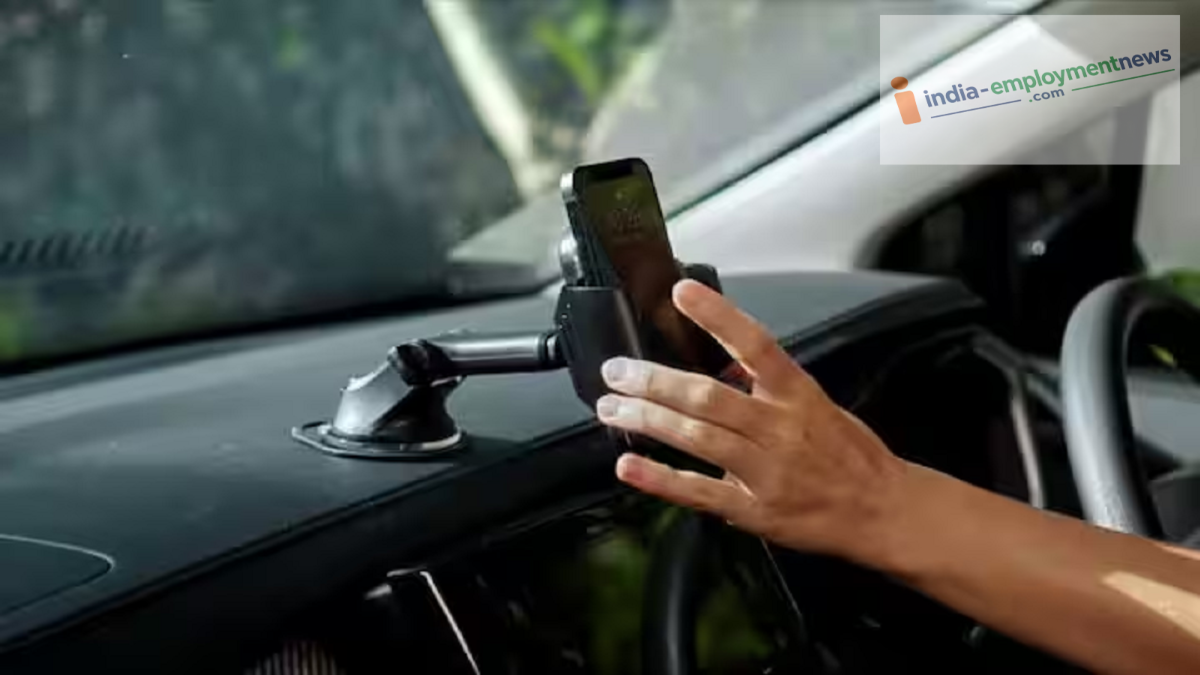
Holding the phone in your hand while recording is neither feasible nor safe for driving. Therefore, purchase a sturdy car phone mount for around ₹200–₹250. Attach the mount to your car's dashboard or windshield in a position that does not obstruct the driver's view.
Keeping the camera and screen active while driving drains an older phone's battery very quickly. To avoid this issue, keep your phone connected to the car charger at all times. A continuous power supply eliminates the worry of the phone shutting down unexpectedly, allowing recording to continue uninterrupted even on long trips.
Once the setup is complete, enable advanced app features such as displaying the date, time, GPS location, and speed on the video. These details can serve as vital evidence in the event of an accident or a speeding violation. Furthermore, many apps include a G-Shock sensor that locks the specific video clip during a sudden jolt or collision, preventing it from being overwritten during loop recording.
