
Things to Keep in Mind When Using Public Wi-Fi
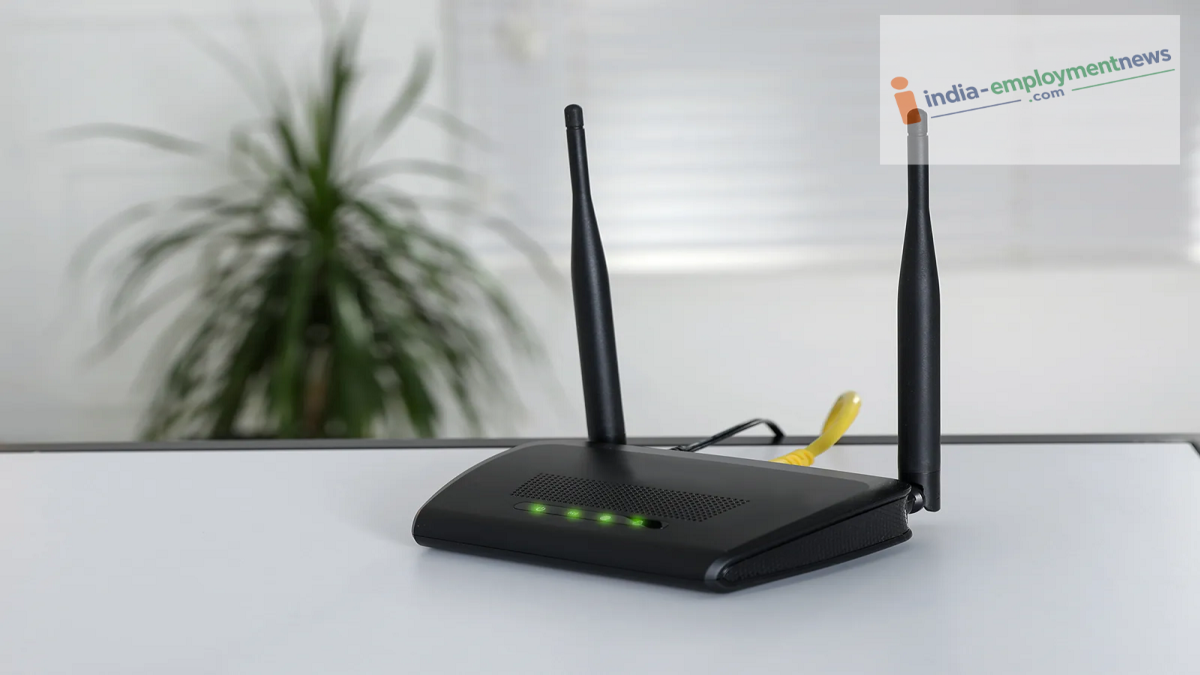
The lure of free Wi-Fi can come at a heavy price. Did you know that open internet networks at railway stations or cafes can expose your personal information and even drain your bank account in an instant? Here is what you need to know to stay safe.
We often face connectivity issues when we are out and about, and sometimes our mobile data runs out. In such situations, finding free Wi-Fi feels like a boon. Many public places—such as railway stations, airports, cafes, and shopping malls—offer free public Wi-Fi. We often connect to these networks without a second thought to enjoy free internet, believing we have saved mobile data and got our work done easily. But have you ever considered the serious trouble this free service could land you in?
Public Wi-Fi networks are inherently insecure, and hackers constantly target such open networks. A moment of carelessness can instantly put your bank accounts, personal photos, and critical passwords at risk. If you use public Wi-Fi without taking safety precautions, you should change this habit immediately. Here are some important tips to keep in mind when using public Wi-Fi so you can avoid falling prey to cybercriminals.
Avoid Banking Transactions and Entering Passwords
Whenever you connect to public Wi-Fi, remember never to perform online banking, make UPI payments, or use your credit or debit cards on that network. Additionally, avoid logging into your social media accounts or email using passwords while on such a network. Public Wi-Fi networks are considered prime targets for "Man-in-the-Middle" attacks, where hackers position themselves between you and the router to steal the information you type. If an urgent task arises, it is better to use your phone's mobile data or personal hotspot. Consuming a small amount of mobile data is far preferable to suffering a major financial loss or a data breach.
You can use a VPN.
If you are compelled to use public Wi-Fi, first enable a reliable Virtual Private Network (VPN) on your phone or laptop. A VPN fully encrypts your internet traffic. This means that even if a hacker attempts to steal your data, they will only see a jumble of characters in code; your actual data will remain secure.
There are many excellent free and paid VPN apps available today that enhance your digital privacy. However, premium VPNs are generally considered safer than free ones. The security provided by a VPN is invaluable when connecting to an unfamiliar Wi-Fi network, allowing you to complete essential online tasks without fear.
Keep the auto-connect feature turned off.
We often leave our phone's Wi-Fi on, causing it to automatically connect to any nearby open network. This carelessness can be extremely dangerous, as hackers frequently create fake hotspots with names resembling legitimate networks to lure people in. Therefore, go to your phone's settings and disable the auto-connect option to prevent your phone from connecting to unknown Wi-Fi networks without your permission.
Turn off Wi-Fi once your task is complete.
Additionally, as soon as you finish your work, completely turn off your phone's Wi-Fi and Bluetooth. Keeping an eye on unfamiliar networks and adopting safety settings is what keeps you safe. The next time you use free Wi-Fi, be sure to remember these safety rules; doing so will protect you from any potential threats.
