
The old-age pension amount will never be interrupted; update these two things now from the comfort of your home..
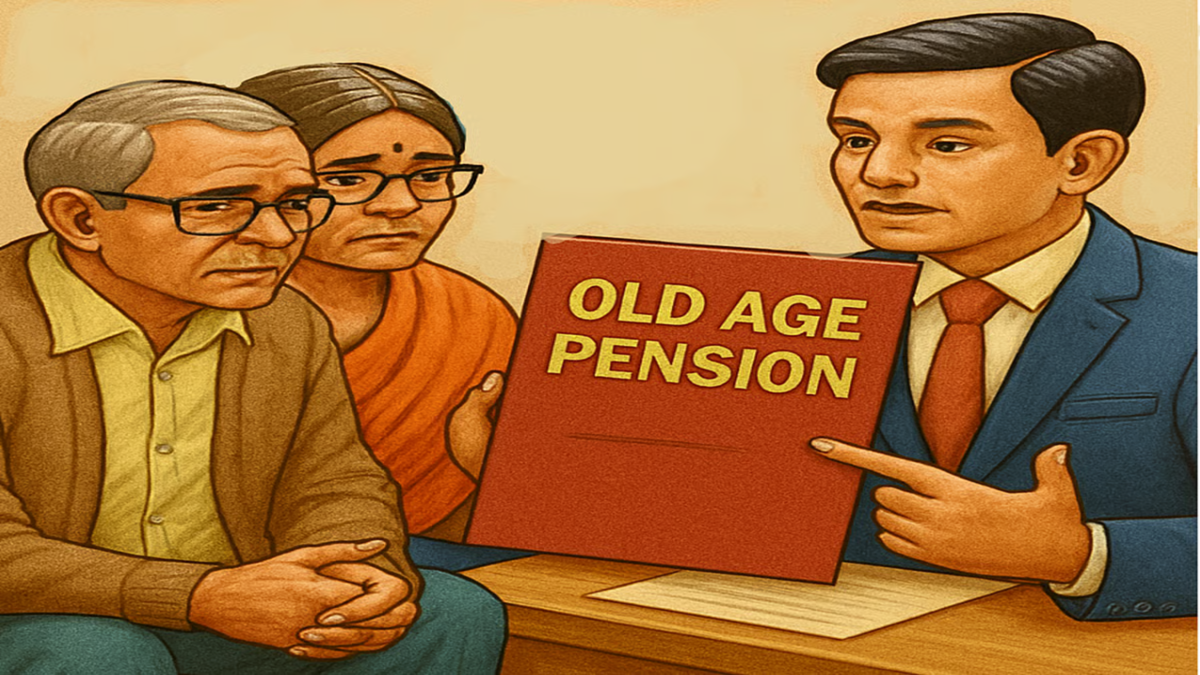
Old Age Pension News: To ensure uninterrupted receipt of old-age pension benefits directly into your bank account, completing e-KYC and submitting a 'Life Certificate' (Jeevan Pramaan Patra) has been made mandatory. Failure to complete this verification on time may result in your next installment being withheld. Beneficiaries in Bihar, Uttar Pradesh, and other states can easily complete this process from home via online portals, mobile apps, or by visiting a nearby Common Service Centre (CSC).
Under social security pension schemes, state governments transfer funds directly into the bank accounts of beneficiaries via Direct Benefit Transfer (DBT). To ensure that the pension funds reach the intended recipient, an annual physical or digital verification—known as e-KYC—is required. Depending on the rules and facilities available in your state, you can complete this process free of charge, either from the comfort of your home or at a local center.
How to complete e-KYC online from home:
Many states provide an online Aadhaar-based verification facility through their respective social welfare and social security portals. Visit your state’s official pension website—for example, the 'eLabharthi' portal for Bihar or the 'Integrated Pension' portal for Uttar Pradesh. On the homepage, select the option for 'e-KYC,' 'Applicant Login,' or 'Pensioner Aadhaar Authentication.' Enter your pension registration number, Aadhaar number, or bank account number to search. The beneficiary's details will appear on the screen; verify that your name and other information match those on your Aadhaar card. Complete the e-KYC process by entering the One-Time Password (OTP) sent to your Aadhaar-linked mobile number, or by using a biometric device.
How to update your 'Life Certificate' from home:
If you are enrolled in a pension scheme that requires the submission of an annual 'Life Certificate,' you can use the 'Jeevan Pramaan' application.
Download the 'Jeevan Pramaan Face App' and 'AadhaarFaceRD' app from the Google Play Store on your smartphone. Enter your Aadhaar number, PPO (Pension Payment Order) number, and registered mobile number into the app. Complete the authentication process by scanning your face using your smartphone's camera. Once the process is complete, your digital life certificate will be generated and submitted immediately.
How to complete e-KYC by visiting the bank:
If you encounter any issues while completing the process online from home—such as not receiving an OTP or a failure in fingerprint matching—you may consider the following options:
Visit your nearest Common Service Centre (CSC) or 'Jan Seva Kendra'. Alternatively, you can visit the bank branch where you receive your pension. There, you can complete your e-KYC or life verification in just 5 minutes using biometrics, such as your fingerprints or iris scan. Important points to note to prevent the interruption of your pension: Since the pension is transferred directly via DBT (Direct Benefit Transfer), it is essential that your bank account is linked to your Aadhaar and the NPCI mapper; ensure that these details are kept updated. Periodically check the status of your pension by visiting the official portal and using the 'Check Your Payment Status' option, so that any errors can be identified and addressed in a timely manner.
Disclaimer: This content has been sourced and edited from Amar Ujala. While we modified it for clarity and presentation, the original content belongs to its respective authors and website. We do not claim ownership of the content.
