
Tech Tips: Is Your Wi-Fi Connection Not Reaching Every Corner of Your Home? An Old Android Phone Can Solve This Problem in a Snap
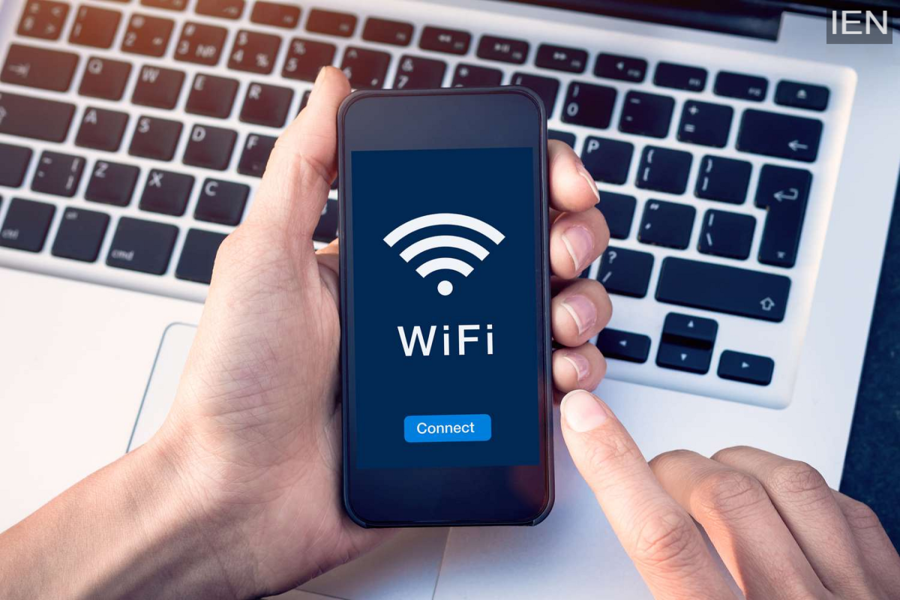
Use an Android Phone as a Wi-Fi Extender: Even with a powerful router, Wi-Fi signals often fail to reach every corner of a home. To tackle this issue, you can repurpose an old Android phone as a Wi-Fi extender.
Use an Android Phone as a Wi-Fi Extender: Even with the advent of Wi-Fi 7 and Wi-Fi 8, achieving complete internet coverage in every corner of a home can still seem like a challenge. If you live in a large house, there are often specific spots where Wi-Fi coverage simply doesn't reach. In such situations, you typically have to move closer to the router or rely on a dedicated Wi-Fi extender. To address this, many people opt for powerful routers or install a Wi-Fi mesh system setup. However, both of these solutions are bound to put a significant strain on your wallet. Today, we are going to share a method that allows you to utilize an old Android phone as a Wi-Fi extender.
How an Old Phone Can Function as a Wi-Fi Extender
There are numerous ways to repurpose an old mobile phone. One such method is to use it as a Wi-Fi extender. Your phone will receive the existing home Wi-Fi signal and then rebroadcast it. Simply put, it functions much like a mobile hotspot, but instead of using mobile data, it utilizes the existing Wi-Fi connection. While it may not be quite as powerful as a full-fledged mesh system, it will be capable of easily connecting at least one additional device.
How to Turn Your Phone into a Wi-Fi Extender?
Converting your phone into a Wi-Fi extender is a very simple process. First, connect your old Android phone to your home Wi-Fi network. Next, enable the mobile hotspot feature. This will create a new Wi-Fi network to which other devices can connect. For added convenience, you should disable the option that automatically turns off the hotspot when no devices are connected. This ensures that the old phone continues to function as a standard Wi-Fi extender, even if no other devices are currently linked to it. You can switch between 2.4GHz and 5GHz bands according to your specific needs.
Important Points to Keep in Mind
If your old phone contains a SIM card, disable mobile data.
Position the phone somewhere between your home router and the internet "dead zone." This ensures that the router's signal is extended and reaches the dead zone with ease.
Keep your phone connected to a charger to prevent it from switching off in the middle of important tasks.
If your device supports it, set the charging limit to 80%.
To conserve battery life on the phone acting as a Wi-Fi extender, you can enable Battery Saver mode.
