
Social media apps might be eavesdropping on your conversations; turn off this setting on your phone immediately.
Tech Tips: Many social media apps request microphone access for features like voice messaging, video recording, or live streaming.
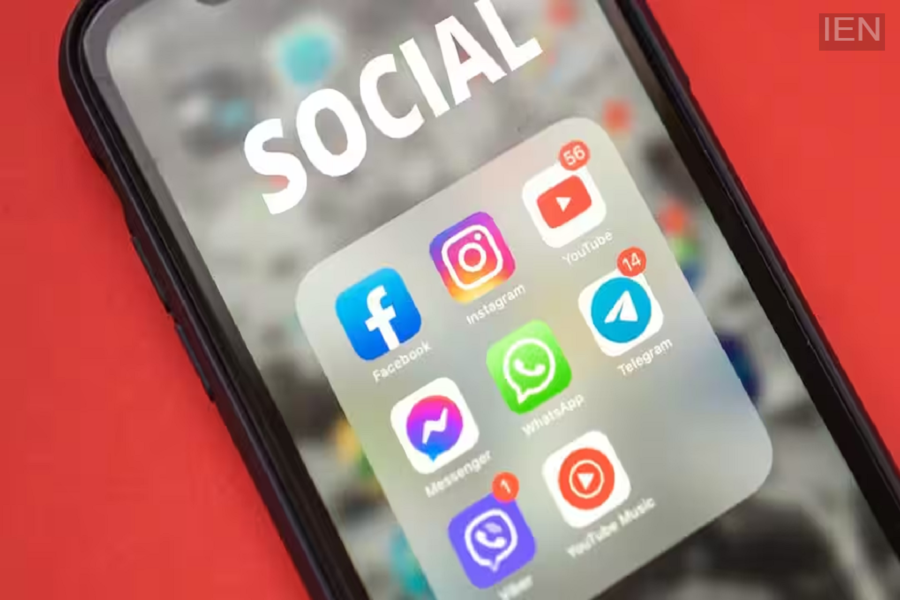
Tech Tips: Almost everyone uses social media apps for one purpose or another today—whether for entertainment or office work. However, it has often been observed that social media apps—knowingly or unknowingly—listen to your conversations. Indeed, many social media apps have become a threat to privacy. Fortunately, you can completely prevent this by changing a specific setting on your smartphone.
Keep an eye on microphone permissions.
For your information, many social media apps ask for microphone access to enable features such as voice messaging, video recording, or live streaming. If you do not use these features, you should not grant the app permanent access to your microphone. It is best to keep this permission turned off when not needed to ensure your privacy remains intact.
How to disable access
If you wish to revoke the microphone permission granted to apps on your smartphone, you can easily do so by following a few simple steps. First, go to your smartphone's 'Settings'. Next, open the 'Privacy' or 'Security & Privacy' section. Here, you will find the 'Permission Manager' or 'App Permissions' option. Tap on 'Microphone' to view which apps currently have access. For apps that do not require it, change the permission setting to 'Don't Allow' or 'Allow Only While Using the App'.
How iPhone users can disable the setting
If you own an iPhone, open 'Settings' and navigate to 'Privacy & Security'. Then, tap on the 'Microphone' option. You will see a list of all apps that have been granted microphone access. From here, you can disable permissions for apps that you rarely use.
Grant permission only to necessary apps
It is important to note that granting microphone access to every app is not advisable. It is always best to grant permissions only to trusted apps. Be aware that there are many apps that have no need for a microphone yet still request access to it; you should not grant permission to such apps under any circumstances. Doing so ensures your privacy remains intact and prevents any app from listening to your conversations.
