
SIR Update 2025: How to Check Your Name in the Voter List 2025 & Download e-EPIC Online
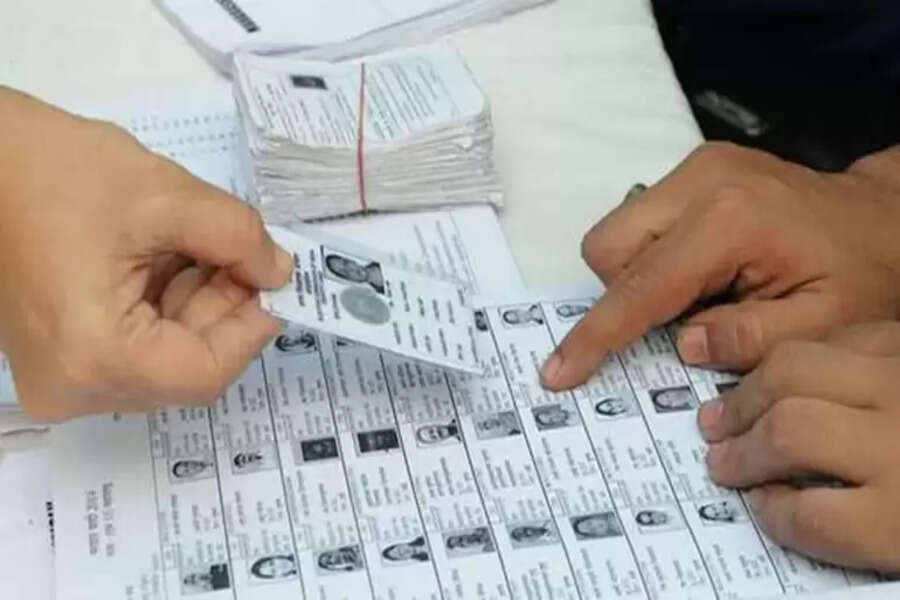
SIR Revision 2025: The Election Commission of India (ECI) has started the Special Intensive Revision (SIR) process for the 2025 Voter List. This annual exercise ensures that every eligible citizen’s voter details are accurate, updated, and correctly recorded in the government database.
Through this revision drive, people can check whether their name is included in the 2025 electoral roll, correct any spelling or address errors, add missing information, or download their digital voter ID card (e-EPIC) online.
What is Special Intensive Revision (SIR) and Why It Matters?
The SIR process is conducted before major upcoming elections to:
-
Add new eligible voters
-
Remove outdated records (duplicates, deceased, migrated citizens)
-
Correct errors in existing voter details
Citizens who find mistakes in their name, age, address or gender can request corrections using the SIR application form. Those whose names are missing from the draft electoral roll can apply to include their names through the same process. After verification, the updated details reflect in the final voter list.
An accurate voter list is essential for free, transparent and smooth elections in 2025.
How to Download Your e-EPIC (Digital Voter ID) Online
Follow these steps to download your digital voter ID card:
-
Visit the official Voter Service Portal: voters.eci.gov.in
-
Sign in using your mobile number
-
Enter the OTP received on your phone
-
Click on Download e-EPIC
-
Enter your EPIC number or application reference number
-
Verify your details on screen
-
Click Download
-
Save the file on your device or print a physical copy if needed
How to Check Your Name in the Voter List 2025 (Online Method)
-
Go to the Election Commission of India’s official website
-
Open the section for E-Roll / Electoral PDF
-
Select your State
-
Choose your District
-
Select your Assembly Constituency
-
Download the Final Voter List PDF
-
Open the PDF and search your name
-
Check if all details are correct to avoid issues on voting day
Why SIR Voter List is Important for Voters
-
Ensures every eligible citizen can vote
-
Eliminates duplicate or invalid entries
-
Updates details of first-time voters
-
Minimises problems during polling
-
Ensures fairness in the democratic process
Filling SIR forms during the revision period is crucial to avoid complaints of missing names on election day.
How to Check Your Name in Old Voter List (Offline Method – e.g. 2003 Electoral Roll)
If someone needs to check older voter records manually:
-
Visit your District Election Officer (DEO) office
-
Carry necessary details — Full name, parent’s name, previous address, polling booth details, age or birth year (as recorded earlier)
-
Request access to old voter roll records (e.g., 2003 list)
-
Officials will trace the correct electoral register of your area
-
Verify your or your family’s name in the physical list
-
Request a photocopy or written confirmation if required
Final Note
The SIR 2025 voter list revision gives every citizen a chance to correct their records and confirm their right to vote. It is strongly advised to check the 2025 voter roll and download e-EPIC well before the elections to avoid any last-minute issues.
