
See the Earth like never before! An amazing feature arrives in Google Earth.
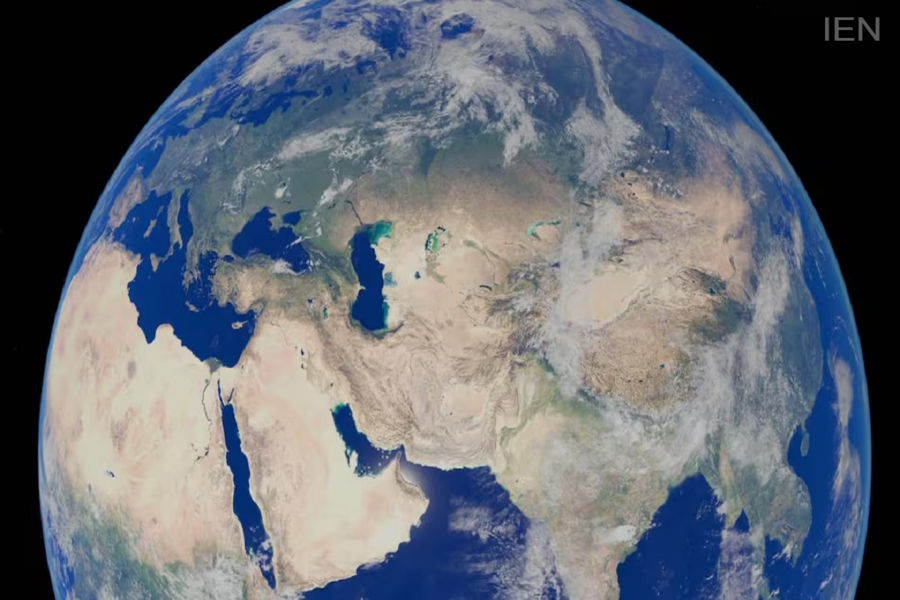
Google Earth New Feature: Google announced that its famous Flight Simulator feature is now being made available to a wider range of users.
Google Earth New Feature: Google is constantly working to improve its map and navigation platforms. As part of this effort, the company has made a Google Earth feature available on web browsers that could change the way you view the world. The best part is that it requires no extra software or payment. Users can now take virtual flights over the globe directly from their computer browsers.
What is Google Flight Simulator?
Google Flight Simulator is a tool that offers users the experience of flying a virtual aircraft. It allows you to fly over various parts of the Earth and view Google Earth's 3D maps, buildings, and natural landmarks from a unique perspective.
While it may not be as complex or realistic as professional flight simulator games, it is certainly a fun way to explore the world.
Google Earth's New Feature
Google announced that its famous Flight Simulator feature is now being made available to more users. Previously, this feature existed as a hidden "Easter egg" within the Google Earth application, but it has now been integrated into the web version as well.
The company aims to incorporate several advanced Google Earth features into the browser experience. This includes the addition of elevation profiles, extra data layers, and new import options. Flight Simulator is part of this initiative.
How to use it?
If you want to try out this feature, follow these simple steps:
Open Google Earth on your computer.
Click on the "Explore Earth" option visible near the search bar.
Select the "Tools" section from the top menu.
Now, click on the "Flight Simulator" option.
You can use the arrow keys on your keyboard to steer the aircraft up, down, left, or right. The flight speed can be controlled using the Page Up and Page Down keys.
You can also switch control modes by clicking the mouse.
If the flight crashes during the session, you can resume flying by selecting the "You Crashed! Restart" option.
Not available for mobile users
Currently, this feature is available only on desktop browsers; Android and iPhone users cannot access it on their smartphones. Additionally, since the feature is based on simplified flight physics, it is designed solely for entertainment and exploration purposes. Users with slow internet speeds may experience difficulties loading some 3D elements.
