
Scam: If you trust this one call, your entire money will be wiped out. To avoid fraudulent calls, memorize these 5 things..
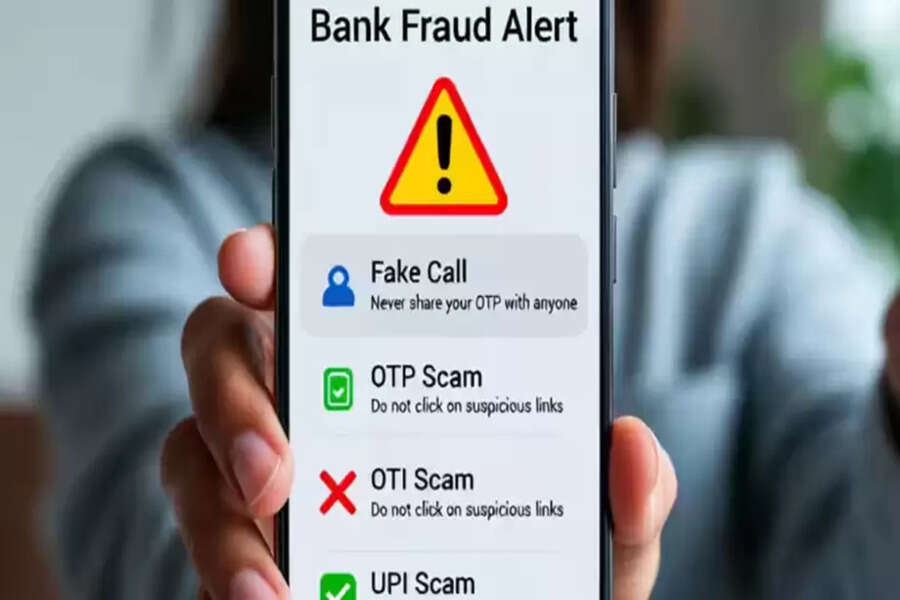
As digital transactions have grown rapidly in India, so too has the ingenuity of online fraudsters. Whether it's UPI payments, internet banking, or card transactions, cybercriminals have now discovered ways to drain people's bank balances in minutes. Their most common tactic is to call posing as a bank official. This is why it's crucial to understand what information a real bank never asks you for over the phone.
Many fraudsters call posing as officials from the KYC update team, bank verification department, card blocking team, or loan department. They speak such professional language that people easily fall for their trap. So, let's understand the signs that indicate that the person receiving such calls is a fraudster and scammer.
1. Banks never ask for an OTP—this is the biggest alert.
An OTP, or one-time password, is the most confidential information. Sharing just one OTP can empty your entire bank account in seconds. Therefore, remember that no bank employee, government agency, or app ever asks for an OTP. So, if the caller asks for an OTP, hang up without hesitation.
2. Card Number, CVV, and Expiry Date—Don't Share These Three Elements
Fraud calls often claim that your card is about to be blocked and that you need the card's 16-digit number, the CVV number, and the expiry date to reactivate it. However, the reality is different: the bank never asks for this information. These three details are used for any online purchase, so sharing them with anyone is a very dangerous step for the account holder.
3. Banks often don't ask for your password, UPI PIN, or net banking login.
Many fraudsters often ask for your password or UPI PIN under the pretext of a "PIN reset," "net banking error," or "UPI system update." However, remember that your password and PIN are for you alone, so even bank employees can never see them.
4. Getting you to click on a link - this is the fastest fraud method.
Frequently, fraudsters call you over the phone and tell you to immediately open a link sent via SMS or email to update your KYC. Once you click on the link, remote access can be installed on your phone. This could lead to data theft and even access to your bank app. Always confirm with the bank's official website or helpline before clicking on any link.
5. What to do if a call seems suspicious?
Hang up the call immediately.
Block the number.
Complain to the bank's official helpline.
Do not open any strange links received via SMS, WhatsApp, or email.
No bank has asked you these things.
Banks never ask for sensitive information over the phone. OTPs, PINs, passwords, CVVs, and card details should always be kept confidential. In this era of increasing digital transactions, being vigilant is the best weapon against cyber fraud. One small mistake can wipe out years of savings in minutes. Therefore, be immediately alert to any suspicious call. (Note: This news is based on general information; contact your bank for more details.)
Disclaimer: This content has been sourced and edited from Zee Business. While we have made modifications for clarity and presentation, the original content belongs to its respective authors and website. We do not claim ownership of the content.
