
Receive Pension Funds Even with Short Service: Simply Fill Out This Form
EPFO Form 10C: Want to withdraw your entire PF balance? Learn how to easily withdraw your locked-in funds from the Employee Pension Scheme (EPS)—even with less than 10 years of service—by filling out EPFO Form 10C online.
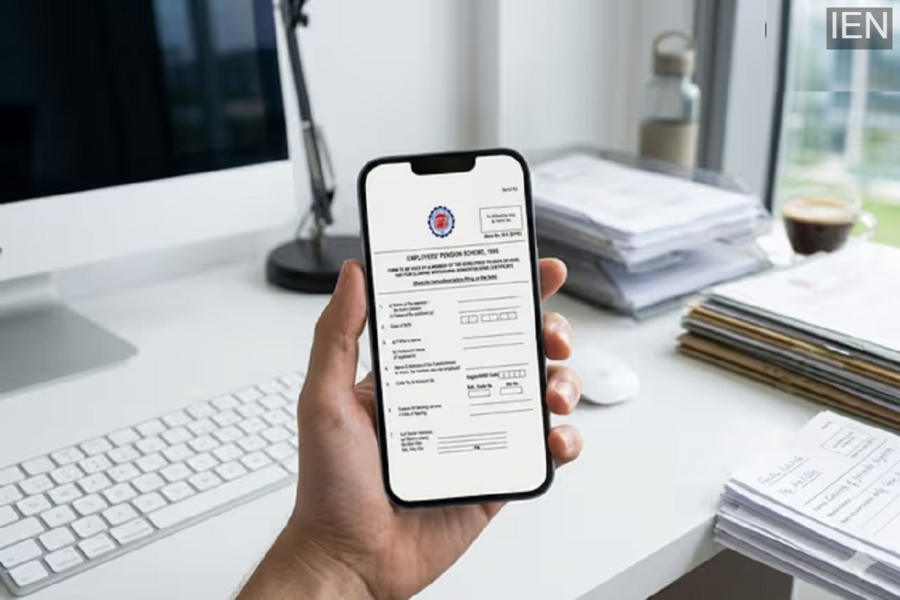
EPFO Form 10C: For salaried individuals, having a portion of their salary deposited into the Employees' Provident Fund (EPF) serves as a crucial financial safety net for their retirement years. Of the 12% contribution your employer makes to your fund, 8.33% is allocated to the Employee Pension Scheme (EPS). However, many individuals leave their jobs before completing 10 years of service, thereby forfeiting their eligibility for a regular monthly pension. In such situations, EPFO's 'Form 10C' proves to be an invaluable tool for withdrawing these locked-in funds. Through this form, you can reclaim the entire amount you have contributed to the pension scheme.
Who Should Fill Out Form 10C?
The EPFO has established specific rules regarding the utilization or withdrawal of pension funds. Form 10C is primarily used in the following circumstances:
- Individuals who have left their job before completing 10 years of service.
- Employees who have attained the age of 58 without having completed 10 years of service.
- Individuals who have completed 10 years of service but are currently under the age of 50.
- Employees aged between 50 and 58 who wish to opt for an early (reduced) pension or a full pension.
- In the event of a member's demise, their family members or nominees may apply—provided the deceased member had attained the age of 58 but had not completed 10 years of service.
Additionally, if you have been unemployed for more than two months or are facing a medical emergency, you can still withdraw funds using this form while retaining your EPF membership.
Which Documents Are Required?
To fill out this form, you will need to provide basic details such as your name, Universal Account Number (UAN), Aadhaar number, PAN number, father's or husband's name, date of birth, and the dates of joining and leaving your employment. Additionally, the following documents must be attached:
- A clear blank or cancelled cheque for bank account verification.
- If you are applying for a Scheme Certificate, the birth certificates of your children.
- If the member has passed away, their death certificate.
- A Succession Certificate, in cases where the claim is being filed by a Legal Heir.
- In the case of an offline application, it is mandatory to affix a revenue stamp worth ₹1 to the form.
How to File an Online Claim?
You can easily apply online from the comfort of your home by visiting the EPFO e-Seva portal. The process is extremely simple:
- First, visit the EPFO e-Seva portal (https://unifiedportal-mem.epfindia.gov.in/memberinterface/).
- Log in by entering your UAN, password, and the captcha code.
- From the menu bar at the top, navigate to 'Online Services' and select 'Claim Form (Form-31, 19, 10C & 10D)'.
- Carefully verify all your personal and employment details displayed on the screen.
- Click 'Yes' on the 'Certificate of Undertaking' to provide your consent.
- Now, select 'Proceed for Online Claim' and choose 'Form 10C' from the dropdown menu.
- Fill in all the required details, enter the OTP received on your registered mobile number, and submit the form.
Once the form has been successfully submitted, you will receive an SMS confirmation on your mobile number. The claim is typically settled within a few days thereafter, and the funds are credited directly to your bank account.
