
PAN Card: Need to change the mobile number on your PAN Card? Follow this method, the task will be completed in minutes..
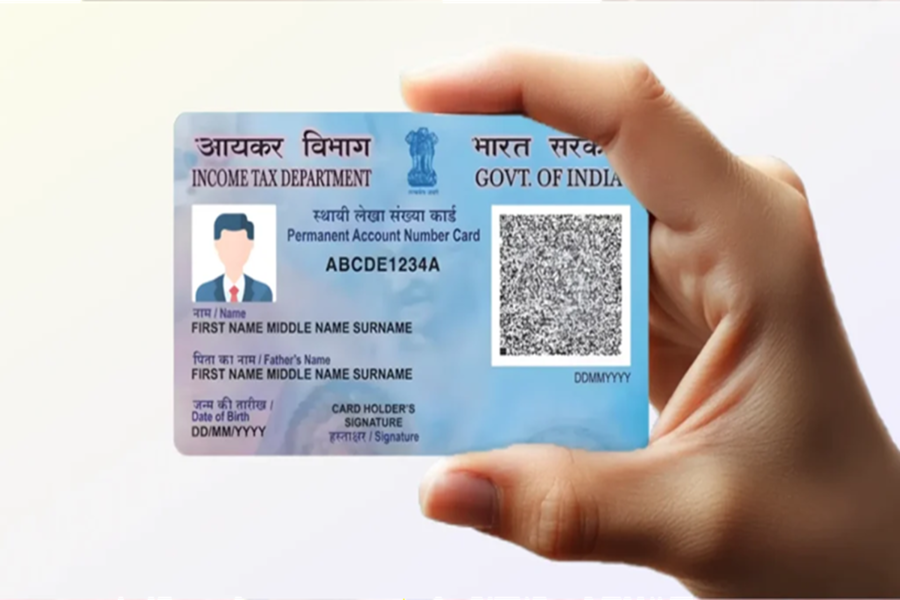
Today, the PAN card has become an essential document, much like the Aadhaar card. Without it, no critical financial transaction or task can be completed. Linking your PAN card to any service or account is only beneficial if the current contact number associated with it is up-to-date. Furthermore, the verification process linked to your PAN card can only be completed if a current mobile number is linked to it.
Today, we will learn how you can change the mobile number associated with your PAN card. To do this, you must follow the steps outlined below.
What is the Process?
To begin, you must first visit the official website of either NSDL or UTIITSL.
On the website, you will find an option labeled "Changes/Corrections in PAN"; click on it.
Upon clicking this option, you will be prompted to provide some basic details, such as your PAN number, name, date of birth, email ID, etc. Fill in all these details carefully.
Once you have entered the details, you will be issued a 15-digit token number.
Now, select the specific details (in this case, the mobile number) that you wish to change. Proceed to enter the correct, updated details.
Next, you will need to upload supporting documents, such as proof of address, proof of date of birth, a photograph, etc.
Finally, you will be required to pay the prescribed fee.
Additionally, do not forget to download the acknowledgment slip, as this slip will be essential for tracking the status of your application later on.
If you wish to change the mobile number associated with your Aadhaar card in addition to your PAN card, please follow the steps outlined below.
How to Change Your Mobile Number?
Step 1: First, download the official Aadhaar App from the Play Store. Once installed, register and log in to the app.
Step 2: You will see an option labeled "Update Aadhaar Online"; click on it.
Step 3: Complete the verification process using either a face scan or an OTP (One-Time Password).
Step 4: Once the verification is complete, you will need to enter your new mobile number. If any other details are requested, please enter those as well.
Step 5: Finally, pay the applicable fee and submit your application.
Disclaimer: This content has been sourced and edited from Dainik Jagran. While we have made modifications for clarity and presentation, the original content belongs to its respective authors and website. We do not claim ownership of the content.
