
PAN Card Application: Want to get a new PAN card made from the comfort of your home? Here is the easiest way..
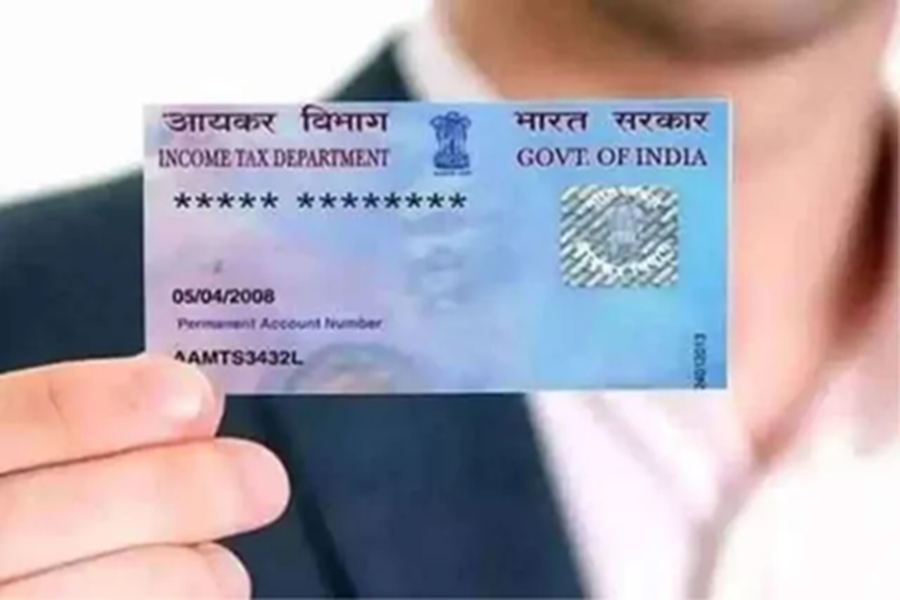
How to Apply for a PAN Card: The PAN card has become an essential document today. Without it, you cannot complete any important financial transactions. If you haven't obtained a PAN card yet, you can apply for one right from the comfort of your home today. You do not need to visit any office to get a PAN card made.
Now, without wasting any time, let's find out how you can apply for a PAN card from home.
How to Apply for a PAN Card?
Step 1: First, visit the NSDL or UTIITSL website.
Step 2: If you have never visited this website before, register yourself.
Step 3: Now, log in using your login credentials.
Step 4: Next, you will see an option labeled "Request for New PAN Card"; click on it. Additionally, select the "Indian Citizen" option.
Step 3: Now, under the category section, you must select "Individual."
Step 4: Then, enter the requested basic details, such as your name, email address, mobile number, etc.
Step 5: Now, scan and submit the required documents.
Step 6: You will then need to pay the required fee.
Step 7: Finally, you will be provided with a tracking number to check the status of your application. Keep this number safe.
If you make any mistakes while applying for a PAN card, you can also get them corrected online.
How to Make Corrections?
Step 1: First, visit the official Income Tax Department website.
Step 2: Now, enter your PAN card number and the other requested information to log in.
Step 3: After logging in, click on the "PAN Card Correction" option.
Step 4: Now, click on the specific information you wish to correct.
Step 5: Then, enter your PAN card number, other requested details, and the necessary documents.
Step 5: Next, you will need to pay the applicable fee.
Step 6: Finally, submit the application and note down the tracking number.
