
No Dashcam? Use Your Smartphone as a Car Security Camera—Here’s a Simple Smart Trick
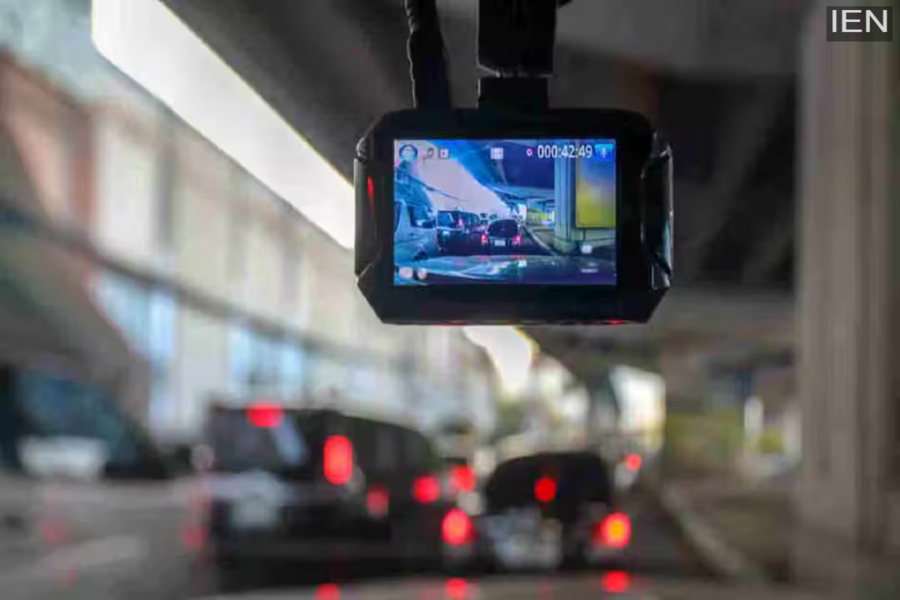
How to Convert a Smartphone into a Dashcam: A dashcam records every moment of your drive. If an accident occurs while you are on the road, this recording helps bring the truth to light.
How to Convert a Smartphone into a Dashcam: In today’s world, both safety and evidence on the road have become extremely important. Video recordings prove invaluable during accidents, disputes, or when filing insurance claims. Consequently, it isn’t necessary for everyone to own an expensive, dedicated dashcam, as your smartphone can easily perform this task.
Why Is a Dashcam-like Feature Essential?
A dashcam captures every single moment of your journey. If an accident occurs or a dispute arises while you are on the road, these recordings help reveal exactly what happened. The best part is that you don’t need to purchase a separate device for this purpose; your phone is already capable of handling the job.
What to Prepare Before You Start
If you intend to use your phone as a dashcam, there are a few essentials you need to keep in mind. First and foremost, you need a sturdy mobile holder that can securely keep your phone stable in the correct position. Additionally, a car charger is essential, as continuous video recording drains the battery very quickly. Furthermore, your phone must have sufficient storage space available to save the video files. Finally, a reliable app is necessary to make this entire process seamless and easy.
How to Turn Your Phone into a Dashcam
First, install a reputable dashcam app on your phone—such as DailyRoads Voyager or AutoBoy Dash Cam. These apps offer features like continuous video recording and automatic storage management. Next, mount your phone on the dashboard or windshield in such a way that the entire road ahead is clearly visible. Ensure that the placement of the phone does not obstruct your view or interfere with your driving.
Adjust the camera angle so that it captures a portion of your car along with the road ahead; this makes the resulting video much clearer and more useful. Finally, adjust the video quality and storage settings to suit your specific needs. Many apps offer a “loop recording” option, which automatically deletes older files to free up storage space. If the app features an auto-start option, enable it so that recording begins automatically the moment you start your vehicle.
Essential Tips for Optimal Performance
Prevent your phone from overheating, as continuous recording can lead to excessive heat buildup. Keep the camera lens clean to ensure clear video footage. Avoid using heavy applications while recording, as this can slow down your phone. Additionally, be sure to familiarize yourself with local regulations, as rules regarding public recording may vary in different areas.
Is This a Viable Long-Term Solution?
If you drive only occasionally, using your smartphone as a dashcam is an affordable and convenient solution. However, for those who undertake long drives on a daily basis, a dedicated dashcam may prove to be a more superior and durable option. With the right setup and a little caution, your smartphone can serve as an excellent safety tool—all without any additional expense.
