
NHAI Introduces Barrier-Free MLFF Toll System; e-Notice to be Issued if Payment Fail
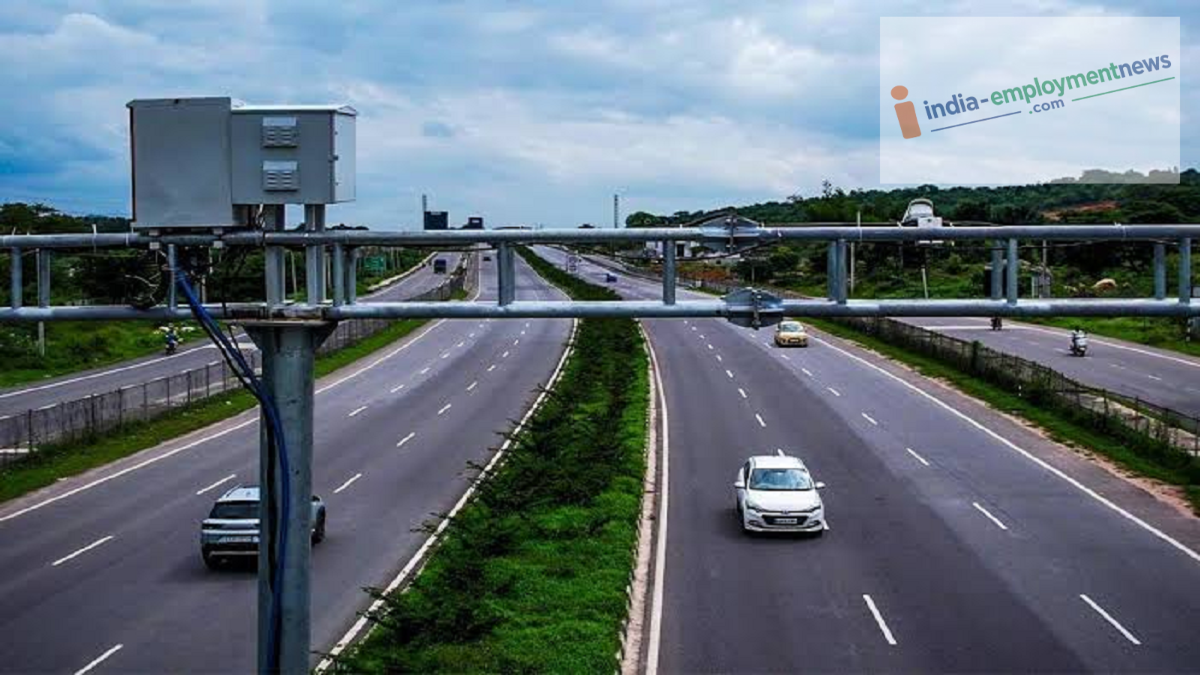
MLFF Toll News: NHAI's MLFF toll system enables toll collection without stopping vehicles. You may receive an e-Notice if the FASTag payment fails, so ensure your FASTag is active and has a sufficient balance.
MLFF Toll System News: If you travel on national highways or expressways, this information regarding tolls is crucial for you. The National Highways Authority of India (NHAI) has introduced the barrier-free MLFF (Multi-Lane Free-Flow) toll system to make toll collection easier and faster than before. The primary objective of this system is to collect tolls without requiring vehicles to stop at the toll plaza. In other words, vehicles will no longer need to halt at a barrier to pay the toll.
This system is expected to alleviate the issues of long queues and wasted time at toll plazas. However, if the toll payment for your vehicle fails for any reason, you may receive an e-Notice. Therefore, it is essential to keep your FASTag active and ensure it has a sufficient balance.
What is the MLFF Toll System?
MLFF, or Multi-Lane Free-Flow, is an electronic toll system where vehicles do not need to stop at the toll plaza.
Vehicles can pass through the toll point without stopping.
Cameras and sensors help identify the vehicle.
Toll charges can be automatically deducted via FASTag.
Vehicles can also be identified using their number plates.
This helps reduce traffic congestion at toll plazas compared to the previous system.
MLFF (Multi-Lane Free Flow) tolling enables barrier-less National Highway travel through automated FASTag-based Electronic Toll Collection system.
— NHAI (@NHAI_Official) August 17, 2026
If the toll payment is missed or unsuccessful, an e-Notice will be issued.#KnowYourENotice
✅ Pay within 72 hours to avoid double… pic.twitter.com/Bb7lhOzYKe
What happens if the FASTag payment fails?
If the FASTag payment fails for any reason while passing through an MLFF toll point, an e-Notice may be issued to the vehicle owner. Payment failures can occur due to reasons such as insufficient balance in the FASTag or technical issues.
The e-Notice may be sent to the vehicle owner's registered mobile number. Following this, the vehicle owner is required to pay the outstanding toll within a specified timeframe. Failure to make the payment within 72 hours may result in additional fees or a double payment.
How to check upon receiving an e-Notice:
- Visit the official NIC e-Notice portal to check the notice details.
- You may need the vehicle number and the mobile number registered in the VAHAN database to access the portal.
- Log in using the OTP received on your mobile phone.
- Carefully review the details regarding the outstanding toll and payment instructions provided in the notice.
- If you believe the notice is incorrect, file a complaint or grievance within the stipulated time.
Points for vehicle owners to keep in mind:
- Always keep your FASTag active.
- Check your FASTag balance before starting a journey.
- Ensure the vehicle's number plate is clear and valid.
- Comply with the regulations regarding HSRP (High Security Registration Plate).
- Do not ignore the e-Notice if you receive one.
- Make the payment within 72 hours.
