
New Phone Tips: Enable These 5 Important Settings Immediately—One Small Mistake Could Put Your Data and Privacy at Risk
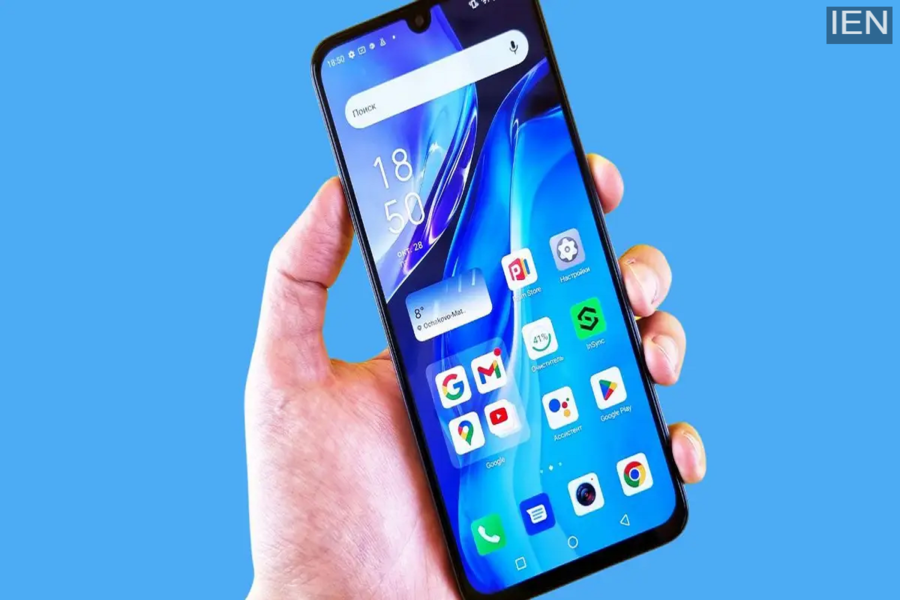
Smartphone Tips: Many people continue to use their new phones without a screen lock for several days after purchasing them.
Smartphone Tips: Buying a new smartphone is an exciting experience for everyone. Typically, people start by testing the camera, playing games, or installing social media apps. However, many users forget to configure certain essential settings right at the beginning—a lapse that can later lead to issues such as data theft, rapid battery drain, sluggish performance, or even account hacking. If you have recently purchased a new phone, make sure to complete these 5 crucial tasks before you start using it.
First: Set Up a Screen Lock and Fingerprint Security
Many people continue to use their new phones without any form of screen lock for the first few days. This can be a grave mistake. You should immediately set up a strong passcode, fingerprint lock, or facial recognition lock on your device. This ensures the security of your personal data, banking apps, photos, and chat logs. Avoid using simple PINs such as “1234” or “0000.”
Enable Google or iCloud Backup
Phone malfunctions, theft, or accidental data deletion can happen at any time. Therefore, it is absolutely critical to enable cloud backup right from the start. Android users can enable Google Backup, while iPhone users can activate iCloud Backup. This keeps your contacts, photos, apps, and important files safe and secure, allowing you to easily restore them should you ever need to switch to a new phone.
Properly Optimize Your Battery Settings
On a new phone, numerous apps often continue to run in the background, which can lead to rapid battery depletion. Navigate to your phone’s “Settings” menu and enable “Battery Optimization.” Additionally, disable “Background Activity” for any unnecessary apps. Utilizing features such as “Auto Brightness” and “Dark Mode” can also significantly help in extending battery life.
Review Essential Security and Privacy Settings
Many apps request permissions to access your camera, microphone, location data, and contacts. Granting these permissions without careful consideration can be risky. Go to your phone’s “Privacy Settings” to review exactly which apps have access to specific features and data on your device. Immediately disable permissions for any apps you no longer need. This helps keep your personal information secure.
Update Your Phone and Apps Immediately
Even if you have a brand-new phone, it may still be running on outdated software. This significantly increases security risks. Immediately after setting up your phone, check for software updates and update all essential apps. New updates often include security patches, bug fixes, and performance enhancements.
Minor Negligence Can Lead to Major Losses
Today, a smartphone is no longer just a device for making calls; it has become an integral part of your banking, photo albums, work life, and personal life. Therefore, it is absolutely crucial to configure certain essential settings the moment you purchase a new phone. If you correctly configure your security, backup, and battery settings right from the start, your phone will remain secure and continue to run smoothly for a long time.
