
New feature coming to Aadhaar app; update email address for free starting July 1
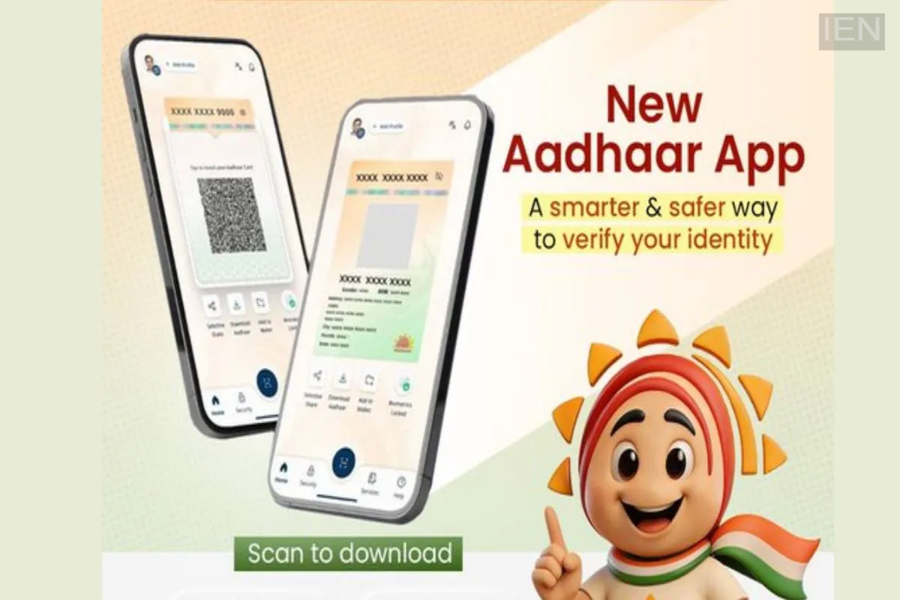
You will not have to pay to update the email address linked to your Aadhaar card. Starting July 1, UIDAI is introducing a special feature in the new Aadhaar app that will allow users to update the email address linked to their Aadhaar card.
To enhance user convenience, UIDAI is adding a feature to the new Aadhaar app that allows users to link or update their mobile number, address, and email address. Initially, this service—enabling users to update the email address associated with their Aadhaar card—will be free of charge. While there is usually a fee of ₹75 for updating an email address linked to an Aadhaar card, it will be completely free starting July 1.
Update your email for free
According to UIDAI, Aadhaar cardholders will be able to update the email address linked to their Aadhaar card for free between July 1, 2026, and December 31, 2026. In light of rising cybercrime, UIDAI has advised people to link their email address to their Aadhaar card in addition to their mobile number.
Updating your email address ensures you receive important notifications and updates related to your Aadhaar card on time. Furthermore, Aadhaar OTPs will also be sent to your registered email address. If you haven't linked your email to your Aadhaar card yet, this is a golden opportunity to do so for free. To update your email address, you must have the new Aadhaar app installed on your phone. The app is compatible with Android 9 and iOS 16 (or higher versions).
How to update your email
Apart from the Aadhaar app, you can also update your email address linked to your Aadhaar card by visiting the UIDAI website.
Visit the Aadhaar website and navigate to the email verification page.
Enter your Aadhaar number and mobile number.
Then, click on the 'Verify Email Address' option and submit your request. Here, you can find out the email address linked to your Aadhaar card.
You can also check the email address linked to your card by using the new Aadhaar app.
To do this, you need to install the new Aadhaar app on your phone.
After logging into the app, navigate to the 'Profile' option.
You will then find details regarding your email address in the profile section.
You can update the email address linked to your Aadhaar card by tapping on the 'Update Details' option below.
