
New Aadhaar App: Now, essential Aadhaar-related tasks can be done from your mobile; learn how to register on the new app
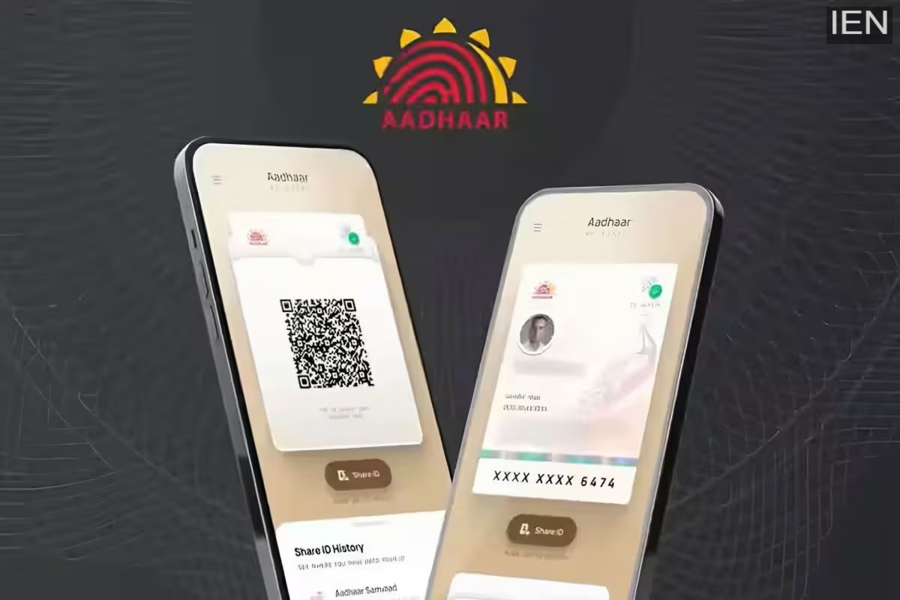
The full version of the new Aadhaar app has been launched, and now you can handle many important Aadhaar-related tasks directly from your mobile phone. However, registration is required before using the app. So, let's learn the complete registration process in easy steps.
New Aadhaar App: Now, most Aadhaar card-related tasks are going to become even easier. The new Aadhaar app was launched for everyone on January 28th. This means that every Aadhaar cardholder in the country will now have the opportunity to use all its features. Here you can store your Aadhaar details, share them when needed, and handle many Aadhaar-related tasks directly from the app. However, you need to register before using the app. So, let's learn the step-by-step method for registration so that your Aadhaar-related work doesn't get interrupted.
Features of the new Aadhaar App
You can save the Aadhaar details of up to 5 family members at once.
The option to share a Masked Aadhaar is available.
Verification can be done easily by scanning the Aadhaar QR Code.
Mobile number and address can be easily updated through the app.
With the Selective Share feature, you can decide which information to show to the other person.
The Biometric Lock feature provides extra security.
How to register on the new Aadhaar App?
If you are planning to register on the new Aadhaar app, do a little preparation before you begin. First, check that your phone has the same SIM card that is linked to your Aadhaar. Registration will be possible with another number, but you may face difficulties using several Aadhaar-related services later. Also, try to register in a place with good network coverage so that the app doesn't hang or slow down. And yes, keep your Aadhaar card (or its digital copy) handy because you will need to enter your Aadhaar number during registration.
Follow these steps:
First, download the Aadhaar app from the Play Store (Android) or App Store (iOS). Make sure that the app developer is listed as UIDAI.
Open the app. Select your preferred language and accept the Terms & Conditions.
Now tap on the ‘Register Aadhaar’ tab visible on the main dashboard.
Once the process begins, enter your 12-digit Aadhaar number.
Next, you will need to enter your mobile number linked to your Aadhaar. An OTP will be sent to that number, which will be used to verify your device.
Then you will have to perform face authentication. For this, hold your phone in such a way that the front camera can properly capture your face, and then blink twice.
Finally, you will have to create a 6-digit PIN. Note it down somewhere, as this PIN will be required to open the app in the future.
