
Need to add a surname to your Aadhaar after marriage? Here are the required documents
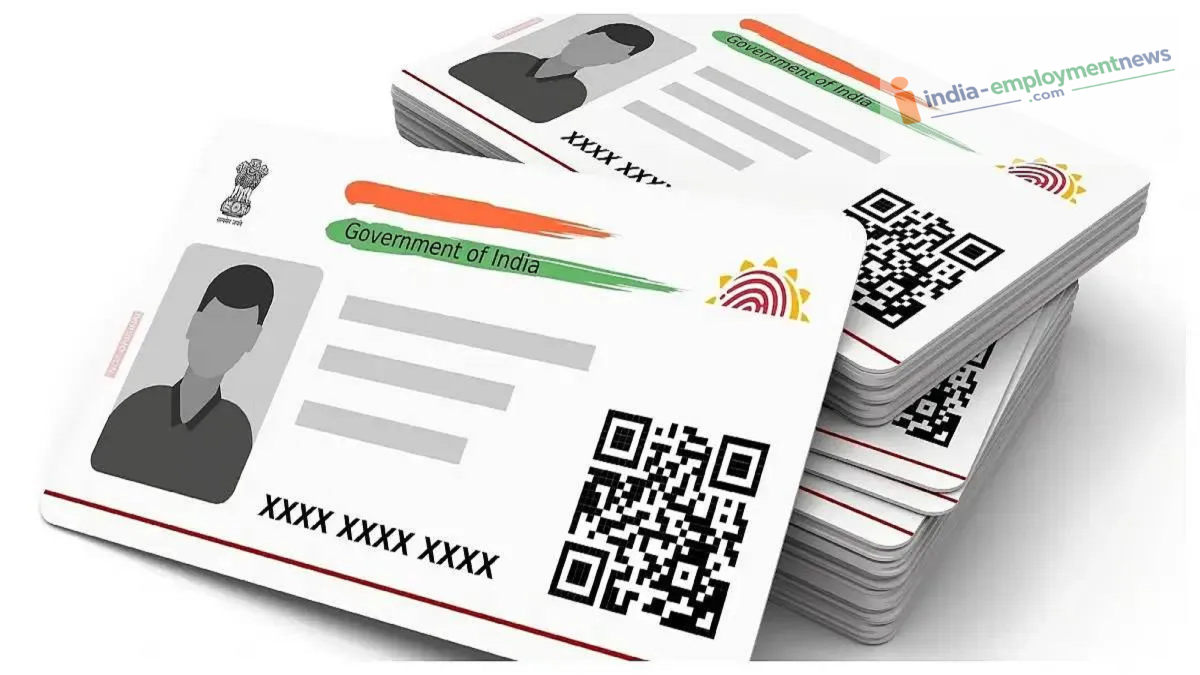
Aadhaar Card Update: It is essential to update your name on your Aadhaar card following a marriage or a name change due to any valid reason. Let’s look at the problems that could arise if this is not done.
Aadhaar Name Change: If you have changed your surname or name after marriage, simply updating it in your bank account, PAN card, and passport is not enough; updating it on your Aadhaar card is equally crucial. However, people often overlook this important update, leading to significant difficulties later when verifying identities or matching details across various documents.
Today, the Aadhaar card is vital for almost every essential task—whether it involves banking, purchasing a mobile SIM card, or availing benefits from government schemes. Therefore, if you need to change your name due to marriage or any other valid reason, updating your Aadhaar records promptly is essential.
When can you update your name?
In case of a spelling error in the name
Upon changing the name through a legal process
After changing the name or surname following marriage
Due to name changes for other valid reasons
Can parents use their child's PPF money? Court delivers verdict
Which documents are required for a name update?
PAN card
Passport
Driving license
Voter ID card
Marriage certificate
Gazette notification
Photo identity card issued by a government department
Bank or post office passbook with a photograph
Different documents may be requested depending on the specific case. Therefore, be sure to check the UIDAI's list of documents before applying.
How to update your name in Aadhaar?
Visit the nearest Aadhaar Seva Kendra.
Fill out the Aadhaar update form.
Submit the documents related to the name change.
Complete the biometric verification process.
Pay the prescribed fee.
After submitting the application, you will receive an Update Request Number (URN). You can track your application online using the URN.
How to book an appointment online?
Visit the UIDAI website.
Open the ‘My Aadhaar’ section.
Select the ‘Book an Appointment’ option.
Select your city.
Log in using your mobile number and OTP.
Select the name update option.
Book the appointment by selecting a date and time.
