
Major Update to Aadhaar Card: You Can Now Make Corrections for Free for One Year..
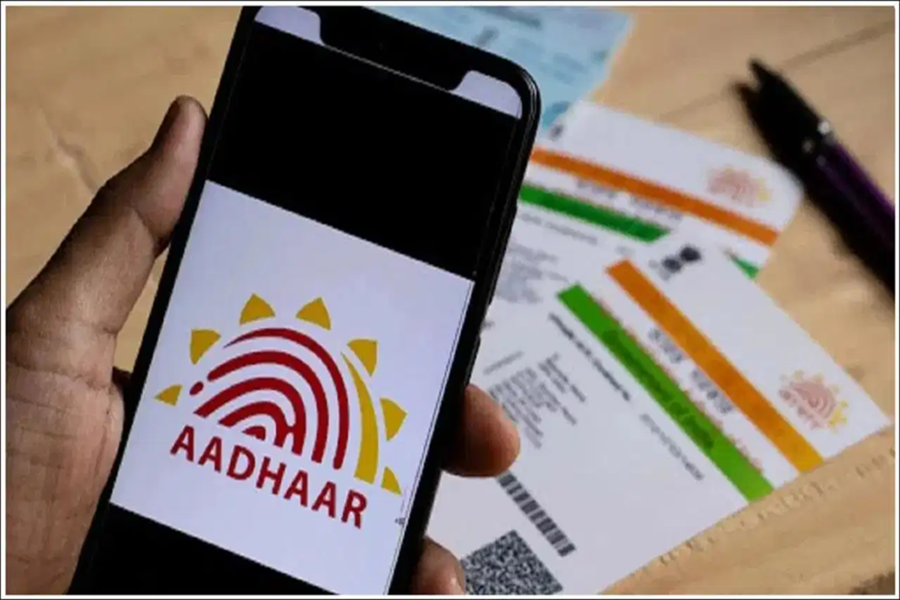
There is great news for the millions of Aadhaar card users across India. The government has extended the deadline for updating Aadhaar cards free of cost by one year. Users can now update details—ranging from their date of birth to their address—for free until June 14, 2027. To avail of this facility, they simply need to visit the myAadhaar portal. The UIDAI has clarified that this service will remain available free of charge exclusively through the online medium—specifically, via the myAadhaar portal. Under this initiative, individuals can update their Aadhaar details by uploading relevant documents related to their identity and address online.
According to the UIDAI, the decision to extend this facility was taken following the positive response received from the public. A large number of people are utilizing the online medium to update their Aadhaar details, a trend that has made the entire process both easier and faster. The UIDAI has urged individuals who obtained their Aadhaar cards several years ago—and have not yet updated their supporting documents—to update the necessary documents as soon as possible. This will ensure that the information stored in the Aadhaar database remains accurate and up-to-date.
**Information Regarding the App**
Additionally, providing an update on the social media platform X, the UIDAI announced that the older mAadhaar app will soon be discontinued. Users can now download the new Aadhaar app. The new app features enhanced capabilities such as secure QR-based Aadhaar sharing, improved privacy controls, and easier digital access. The UIDAI states that the new app will make digital identity management even more secure and convenient than before.
**How to Update Your Aadhaar Card Online**
First, visit the myAadhaar portal and log in using your Aadhaar number and the One-Time Password (OTP) received on your mobile phone.
After logging in, carefully review the details—including your name, address, and other information—displayed in your profile.
If any of the information is incorrect, proceed to update it first.
If all the information is accurate, click on the option labeled "I verify that the above details are correct."
Now, select your Proof of Identity from the drop-down menu.
Upload the selected Proof of Identity document. The file size must be less than 2 MB and should be in JPEG, PNG, or PDF format.
Subsequently, select your Proof of Address from the drop-down menu. Now, upload your address proof, then provide your consent and submit the form.
Disclaimer: This content has been sourced and edited from TV9. While we have made modifications for clarity and presentation, the original content belongs to its respective authors and website. We do not claim ownership of the content.
