
LPG Update: Complete this essential task by June 30, or risk losing your gas subsidy and cylinder delivery
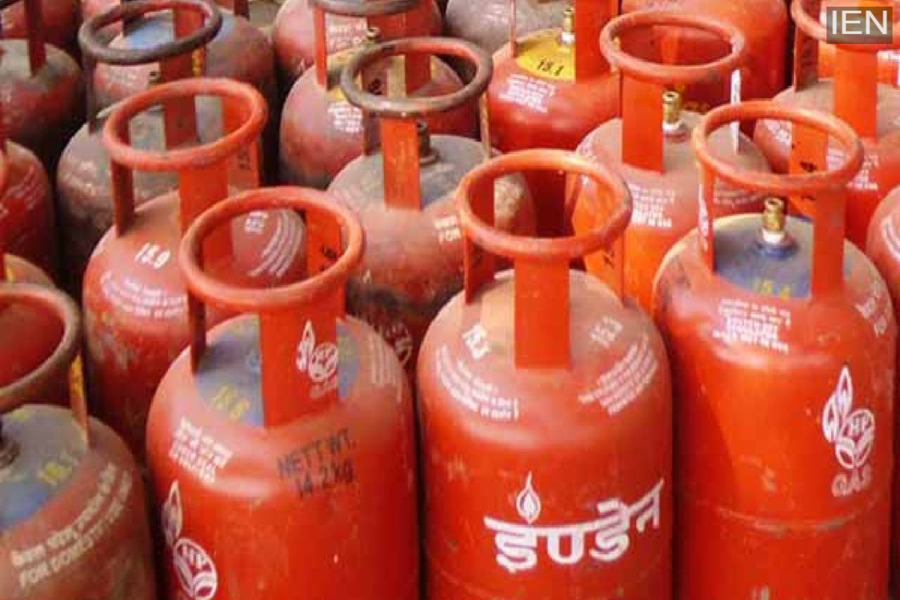
LPG E-KYC Update: If you haven't completed the E-KYC for your LPG connection yet, make sure to do so before June 30 to avoid significant inconvenience. Here are the full details.
LPG E-KYC Update: If you want timely delivery of gas cylinders to your home and wish to continue receiving LPG subsidy benefits, this news is crucial for you. A minor oversight on your part could severely impact both cylinder delivery and your subsidy. If you haven't completed the E-KYC process yet, get it done as soon as possible to avoid trouble.
According to new government regulations, starting July 1, users who have not completed E-KYC will not receive the LPG cylinder subsidy. This rule applies to beneficiaries of the Pradhan Mantri Ujjwala Yojana as well as other users.
Complete verification by this date
As per the directives of the Ministry of Petroleum and Natural Gas, all users covered under the PM Ujjwala Yojana and the DBTL (Direct Benefit Transfer of LPG) scheme must complete biometric Aadhaar verification—or E-KYC—by June 30. Failure to complete E-KYC by the deadline could result in your LPG subsidy being suspended or permanently discontinued.
However, if an individual completes E-KYC after June 30, they may become eligible for the subsidy on future gas bookings. Please note, however, that the subsidy arrears for the period during which E-KYC was not completed will not be provided.
E-KYC can also be completed from the comfort of your home
Indane Gas users can complete the E-KYC process from home using their mobile phones. To do this, they need to download the 'IndianOil ONE' app. Alternatively, those who prefer not to use the online method can visit their nearest LPG distributor to complete the E-KYC. The key highlight is that no charges will be levied for e-KYC verification.
How to complete e-KYC via the app?
- First, download the IndianOil ONE app.
- Sign up using your mobile number.
- Link the 16-digit LPG ID found on your cash memo.
- Go to the home screen and click on 'My Profile'.
- Navigate to the LPG details section and open 'Indane Details'.
- You will see the e-KYC option there.
- Read all the terms and conditions carefully.
- Complete the biometric verification by clicking on 'Face Scan'.
- Finally, submit the e-KYC request.
