
LPG Booking Issue: Didn’t get DAC number after booking? Here’s how to retrieve it and file a complaint easily
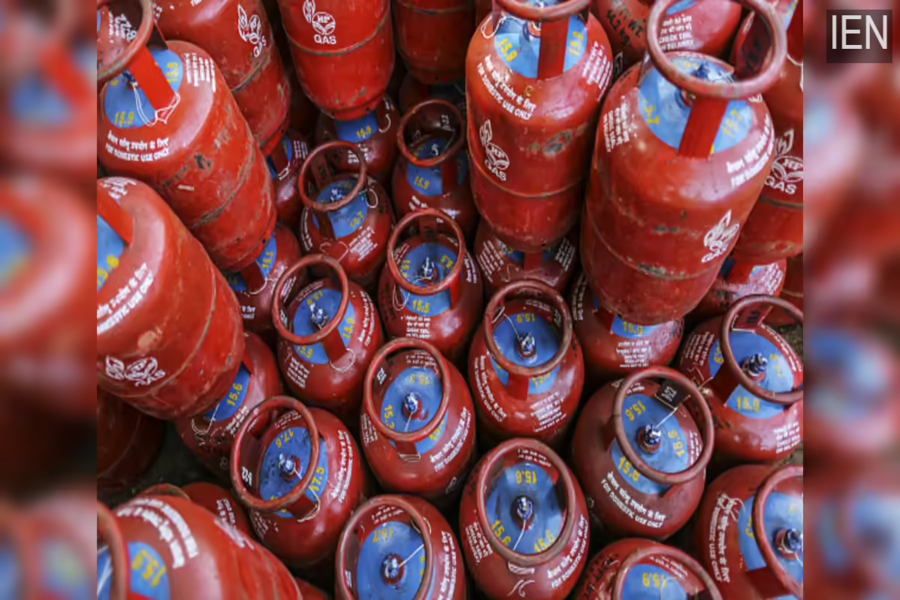
LPG Delivery: Amidst tensions in the Strait of Hormuz, the government has stated that LPG supply remains normal and that a DAC code is mandatory for delivery; this code is sent to your mobile phone immediately upon booking a cylinder.
Generate DAC Number for LPG Delivery: Amidst tensions in the Strait of Hormuz, the government has clarified that the supply of petroleum products and LPG across the country remains normal. According to the Ministry of Petroleum and Natural Gas, there are no reports of LPG stocks running out anywhere. In this context, it is crucial to understand the DAC system regarding LPG delivery.
What is a DAC Number?
First, let's understand what a DAC—or Delivery Authentication Code—actually is. It is a security code implemented to ensure the authentic delivery of LPG cylinders.
This code is sent to your registered mobile number via SMS or WhatsApp.
At the time of delivery, you must provide this code to the delivery personnel, after which you will receive your cylinder.
The objective of this system is to prevent black marketing and fraudulent deliveries.
How Do You Receive a DAC Number?
As soon as you book a cylinder, the DAC number is automatically generated.
If you hold an Indian Oil Corporation (Indane) connection, you can book your cylinder using the following methods:
Missed Call: 8454955555
SMS: Type "IOC" and send it to 7718955555
IVRS/Call: 7718955555
WhatsApp: Via the official IndianOil channel
After booking, the DAC is sent to your mobile phone.
What to Do If You Haven't Received the DAC?
If you have not received your DAC number, there is no need to panic; you can try the following methods:
1. First, check via the mobile app.
Open your gas provider's app—such as 'IndianOil One'—navigate to the 'Refill History' section, and look up your DAC number there. 2. Seek Assistance from the Delivery Boy
If the above steps do not work and your cylinder has already arrived at your home, but you do not have the code, the delivery boy's app features a "Generate DAC" option. This allows him to generate a new code right on the spot, which will be sent to your mobile phone instantly.
3. Update Your Mobile Number
Alternatively, if your old mobile number has become inactive, have your new number updated through the delivery boy.
Once the update is processed, you will immediately receive a new DAC.
Where to Lodge a Complaint?
If, despite following all these steps, you still do not receive the DAC number or encounter any issues with the delivery, you can lodge a complaint through the following channels:
First, call your gas company's customer care helpline.
Register a complaint via your gas company's mobile app.
File a complaint on the company's official website.
Additionally, speak directly with your LPG distributor.
Government Appeals to the Public
The government has also advised the public to refrain from panic-buying petrol, diesel, and LPG. People are urged to be wary of rumors and to rely on official sources for accurate information. The government has stated that LPG consumers should utilize digital booking platforms and avoid visiting the distributor's premises in person.
