
Lost your Aadhaar Card? Don't panic—here is how to retrieve your number in minutes using this UIDAI website..
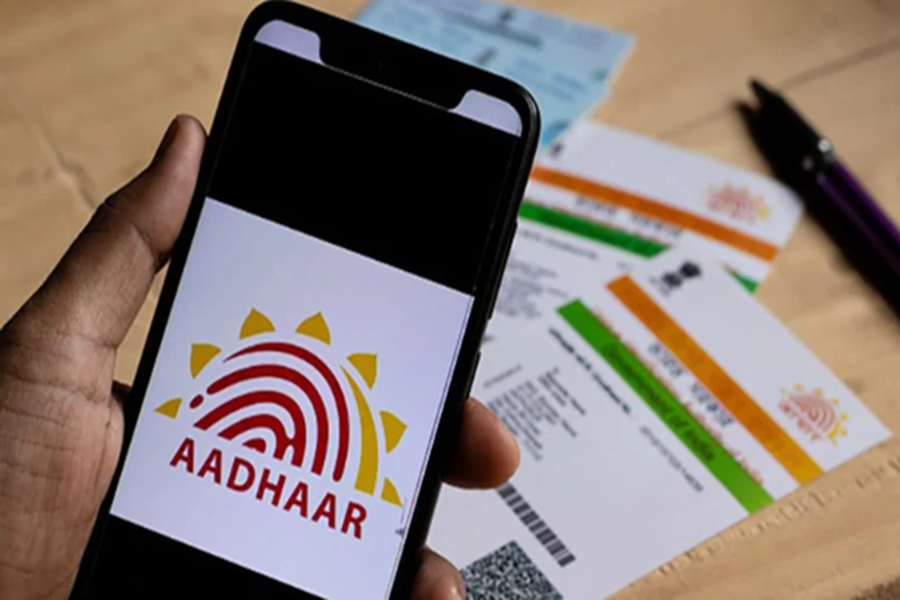
How to Find Your Aadhaar Number: The mere thought of losing one's Aadhaar card is enough to make anyone break into a sweat, as it is an essential requirement for practically every government and private document, whether minor or major. However, there is no longer any need to make endless rounds of government offices. The government's UIDAI website has come up with a brilliant solution to this predicament.
How to Recover Your Aadhaar Number via the Website
First, visit the official UIDAI website and locate the 'My Aadhaar' section. Once there, click on 'Retrieve EID/Aadhaar'; you will then be prompted to enter your name and your registered mobile number. As soon as you complete the CAPTCHA verification, a One-Time Password (OTP) will be sent to your phone. Simply enter the OTP, and your Aadhaar number will instantly appear on your screen. It's that simple!
What to Do If Your Mobile Number Is Not Linked?
Many of you might now be wondering: "What happens if my mobile number hasn't been updated?" In such a scenario, you will need to visit your nearest Aadhaar Enrolment Centre. Your request can be processed there through biometric verification—specifically, by using your fingerprint. Since the Aadhaar card is such an integral part of our lives, it is prudent to keep your mobile number and email address updated at all times. Even if you accidentally lose your card, the methods outlined above allow you to retrieve your number instantly. So, stop worrying and go recover your Aadhaar number right away!
Disclaimer: This content has been sourced and edited from NDTV India. While we have made modifications for clarity and presentation, the original content belongs to its respective authors and website. We do not claim ownership of the content.
