
Life Certificate Status: How Pensioners Can Easily Check If Their DLC Has Been Accepted
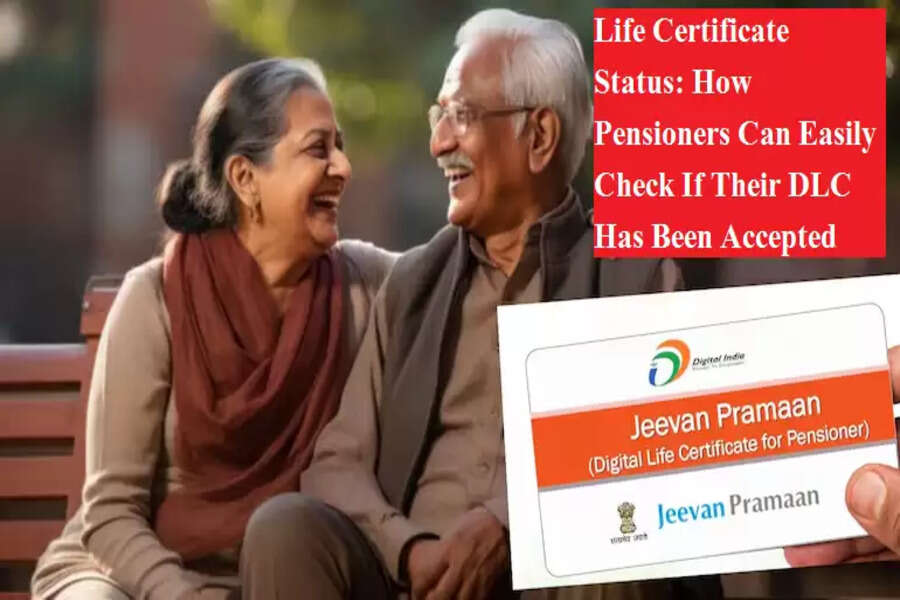
Every year, pensioners across the country rush to submit their Digital Life Certificate before the November deadline. This certificate, commonly known as the Jeevan Pramaan Patra, is essential to ensure uninterrupted pension payments. With the final submission date set for 30 November, many pensioners are currently focused on completing this annual requirement. However, a frequent concern remains: How do you check whether your Life Certificate has been accepted by the bank or post office?
Thanks to digitisation, this verification is now quick and simple.
What Is a Digital Life Certificate?
The Digital Life Certificate (DLC), or Jeevan Pramaan Patra, is an Aadhaar-based electronic certificate used by pensioners as proof of existence. Traditionally, pensioners had to visit a bank branch or government office in person to submit this document.
Now, they can generate the certificate from home using Aadhaar authentication—either through fingerprint, iris scan, or face recognition.
Each certificate is issued with a unique Pramaan ID, which the pension-disbursing authority uses to verify and continue pension payments.
How Pensioners Can Generate a DLC Using Face Authentication
One of the most convenient upgrades in the system is the option to generate a Life Certificate through a simple selfie. Pensioners only need an Android smartphone with:
-
A 5 MP (or higher) front camera
-
Active internet connection
-
Aadhaar number
-
Registered mobile number (with the bank or post office)
Steps to create a DLC using face authentication:
-
Download the AadhaarFaceRD app and the Jeevan Pramaan Face App from Google Play Store.
-
Complete the operator authentication. Pensioners can authenticate themselves as operators.
-
Enter required details such as name, Aadhaar number, PPO number, bank details, etc.
-
Capture a clear selfie on the app.
-
Once submitted successfully, the registered mobile number will receive an SMS containing a link to download the Digital Life Certificate.
Information You Must Enter Correctly
Submitting accurate information is critical. Any errors may cause the certificate to be rejected by the Pension Disbursing Authority (PDA). Required fields include:
-
Aadhaar number
-
Name and registered mobile number
-
Pension Payment Order (PPO)
-
Bank or pension account number
-
Pension sanctioning authority details
-
Pension disbursing authority details
Even minor mistakes—like a mismatched name or incorrect PPO number—can lead to rejection.
How to Check If Your Digital Life Certificate Has Been Accepted
Pensioners can verify the acceptance status of their Life Certificate through the official portal. Here’s how:
-
Visit the website jeevanpramaan.gov.in
-
Enter your Pramaan ID
-
Download your Digital Life Certificate
-
Scroll to the bottom of the certificate
-
You will clearly see one of the two statuses:
-
Accepted by PDA
-
Rejected by PDA
-
If the certificate has been accepted, your pension will continue smoothly without interruption.
If it shows as rejected, you must generate a fresh DLC with correct details and a new biometric authentication to avoid delays in receiving your pension.
Submitting a Life Certificate is an essential annual requirement, but the process has become much simpler with digital tools. With accurate information and timely verification, pensioners can ensure uninterrupted pension credit and avoid last-minute complications.
