
Ladli Behna Yojana 40th Installment: Haven't received the ₹1,500 yet? Do this immediately.
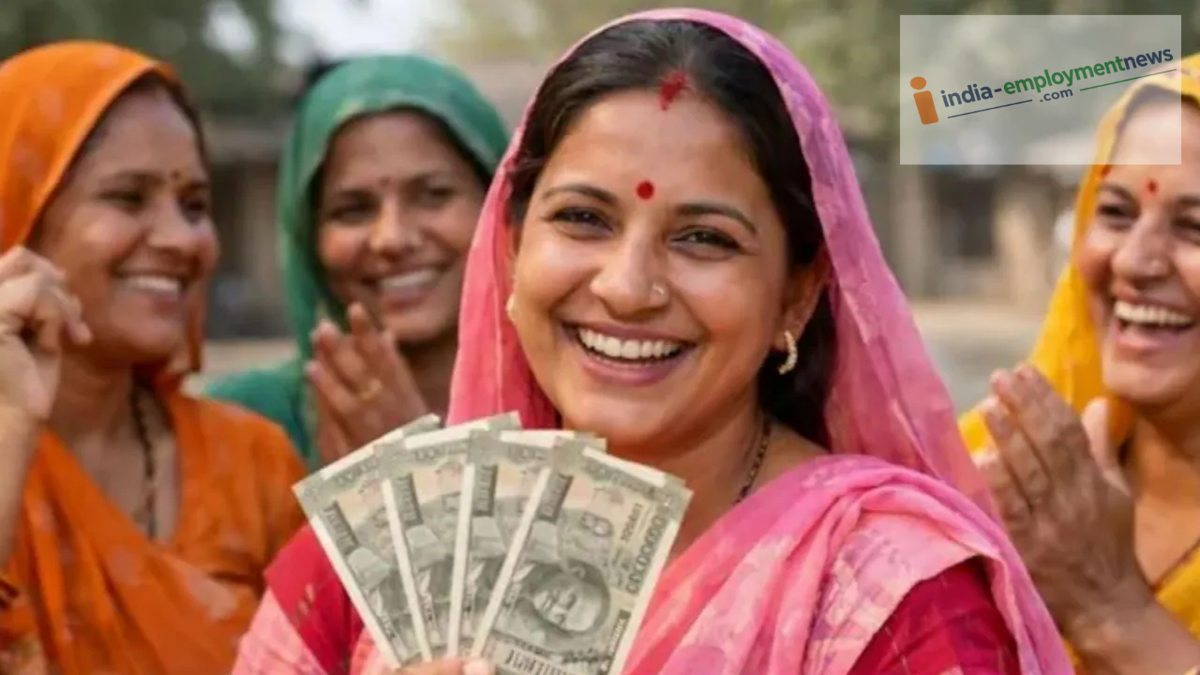
Has the 40th installment of the Ladli Behna Yojana not reached your account? Don't worry. In this article, learn how to check your payment status, activate DBT and Aadhaar linking, and update your Samagra e-KYC.
Ladli Behna Yojana 40th Installment: The Madhya Pradesh government released the 40th installment of the Ladli Behna Yojana on September 13, 2026. Chief Minister Dr. Mohan Yadav transferred ₹1,835 crore via DBT into the bank accounts of over 1.25 crore women.
Haven't received the ₹1,500 in your bank account yet?
Ladli Behnas, if the installment amount of ₹1,500 has not been credited to your bank account, there is no need to panic. You need to complete three steps, but before that, you must check your name on the beneficiary list. Here, we explain the entire process for your convenience.
Check payment status on the portal
- Visit the official Ladli Behna Yojana website (cmladlibahna.mp.gov.in).
- Click on the "Application and Payment Status" option.
- Enter your Ladli Behna Application ID or Samagra ID and the Captcha code.
- Log in by entering the OTP received on your registered mobile number.
- Check the 'Payment Status' to see if the 40th installment has 'Failed' or is 'Pending'.
- Verify success: If the status shows 'Success', check your bank account's mini-statement for the credited amount.
Activate DBT and Aadhaar linking
- Ladli Behna Yojana funds are transferred only to accounts where Direct Benefit Transfer (DBT) is active. Visit your nearest bank branch and ensure that your account is linked to your Aadhaar and is DBT-enabled.
- Activate the DBT service immediately by filling out the NPCI mapping form at the bank.
- Confirm the NPCI status with a bank official or check the bank mapping status on the Aadhaar portal (UIDAI).
Update Samagra e-KYC
- Check your Aadhaar e-KYC status by visiting the Samagra portal.
- If there are any discrepancies in your name, father's/husband's name, or date of birth, visit the nearest CSC center or Gram Panchayat/Ward office to complete the e-KYC process.
- The Aadhaar status on the Samagra portal will then appear as 'Green' or 'OK'.
