
Is your smartphone battery draining quickly? Check these settings immediately!
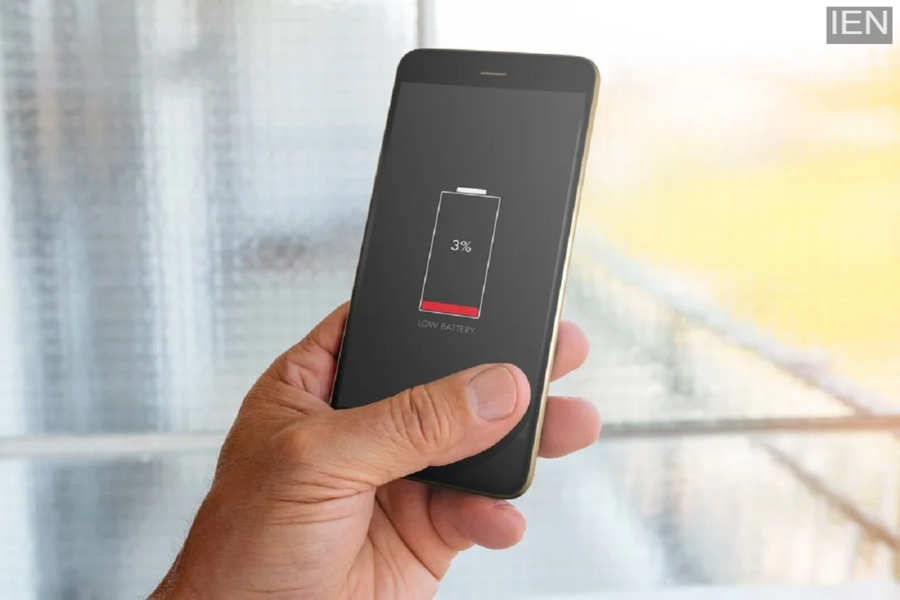
Smartphone Battery Tips: If your phone's battery is draining rapidly, the problem is likely in your settings. Check background apps, brightness, location, and sync options for better battery backup.
Smartphone Battery Tips: Today, smartphones have become an integral part of our lives. From calls to banking, office work, social media, and entertainment, everything is done on our phones. But as soon as the battery starts draining quickly, the whole day gets disrupted. Many people think the battery is faulty, and they need to buy a new phone.
However, in reality, in most cases, the reason is incorrect settings. Background apps, high brightness, location services, and notifications silently drain the battery. If you change a few settings in time, the battery backup can improve significantly, and your phone can last longer without charging.
Where is the battery being used the most?
First, go to your phone's battery settings and check which apps are using the most battery. Sometimes, apps run in the background that are not even needed. Either close these apps or limit their background activity. Next, pay attention to screen brightness. Very high brightness is the biggest enemy of battery life.
Turn on auto-brightness and keep the brightness low manually when not needed. Also, set the screen timeout to 30 seconds or 1 minute so that the phone doesn't stay on unnecessarily. Keep features like location, Bluetooth, and hotspot enabled only when you actually need them, otherwise, they continuously drain the battery.
Changing these settings will increase battery backup
If your phone has a battery saver or power saver mode, be sure to use it. This feature saves battery by limiting background apps, sync, and animations. Also, reduce app notifications, as each notification wakes up the screen and consumes battery. Check the auto-sync option on your phone.
Auto-sync for email, cloud services, and social media consumes a lot of battery. Only sync manually when necessary. Live wallpapers, too many widgets, and heavy themes also drain the battery quickly. Therefore, remove them and use simple wallpapers and themes instead. These small changes can significantly improve your smartphone's battery life.
