
Is your smart meter working correctly or is it faulty? Here’s how to find out.
If your home is suddenly recording significantly higher electricity consumption (units) than before, it does not necessarily mean the meter is faulty.
Smart meters are increasingly being installed in homes to monitor electricity consumption. These meters automatically record readings, allowing consumers to track their usage and bill amounts via apps or online systems. However, if the meter suddenly shows unusually high readings, fails to update consumption data, or displays errors, questions arise regarding its functionality. Here is how you can determine if your smart meter is malfunctioning.
Check the display
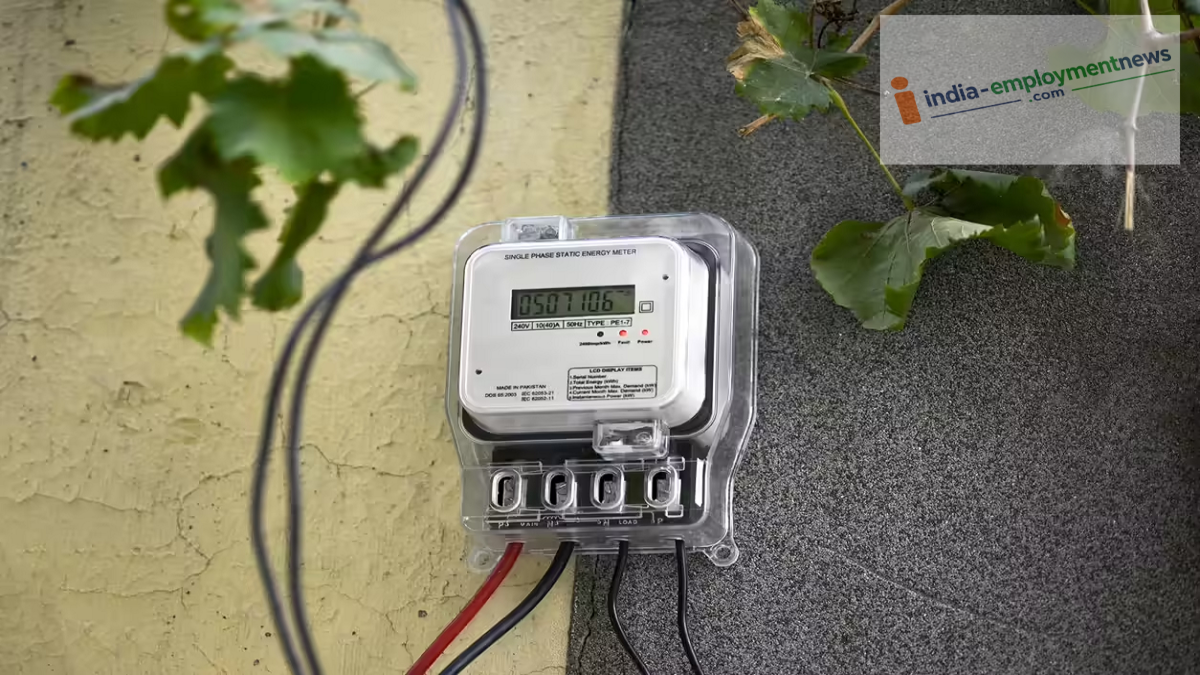
If you suspect your smart meter is not working correctly, the first step is to check its screen. Typically, the display shows electricity consumption, unit counts, and other essential information. If the screen is completely blank, behaving erratically, or if the readings keep disappearing, it indicates a potential fault in the meter.
However, a visual check of the display alone isn't enough to confirm a faulty meter. Issues with the screen or data can sometimes stem from problems with the power supply or the meter's communication system.
Check if electricity consumption spikes suddenly.
It is important to note that a sudden increase in recorded units compared to previous periods does not automatically imply a faulty meter. First, inspect the electrical appliances in your home. Devices such as air conditioners (ACs), geysers, heaters, water pumps, and refrigerators consume significant amounts of electricity.
Try switching off appliances you do not currently need for a while. Then, observe whether there is any change in the meter reading. If the meter continues to show a rapid increase in units despite the reduced household load, it is advisable to have it inspected.
How to perform a load test
You can also conduct a load test on your home's electrical system. Turn off most of the appliances in your home and check the meter reading. Then, switch on a device with a known wattage and power consumption—such as a bulb or a fan—and run it for a while.
Operating the device should result in a change in the meter's unit reading and the instantaneous power display. Keep in mind that this is merely a preliminary test; do not attempt to tamper with the meter or open up any wiring yourself.
Check the Smart Meter App or Portal
Additionally, if your electricity department provides a companion app or an online portal for the smart meter, you can check your consumption data there. If you notice a significant discrepancy between the information displayed on the meter and the data in the app, you should contact the electricity department immediately. However, please note that data updates on the app can sometimes be delayed due to network or server issues.
