
Is your smart meter generating an inflated bill? Test it from the comfort of your home using these 5 easy methods..
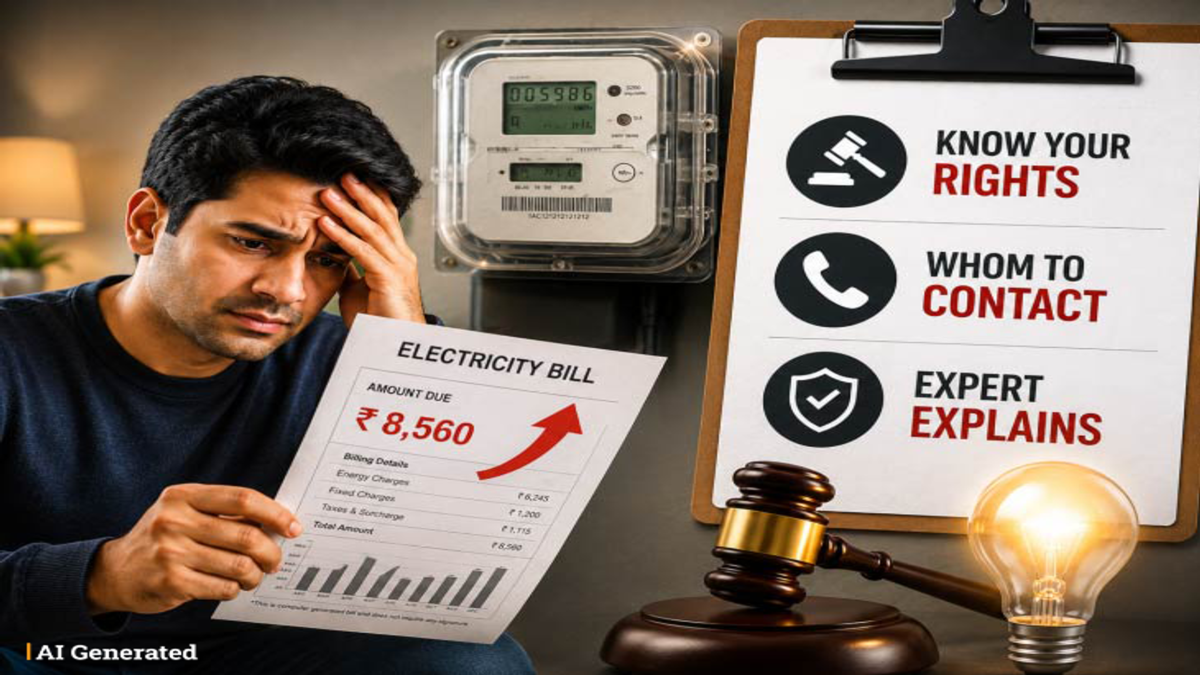
Smart Meter Check Tips: Smart meters rely on technology and generally record highly accurate readings. However, consumers sometimes complain that their electricity bills have suddenly spiked. In reality, incorrect readings can occasionally occur due to technical malfunctions, voltage fluctuations, or installation errors.
If you feel your electricity bill is disproportionately high compared to your actual consumption, you can perform a few simple tests yourself before lodging a complaint with the electricity department. Do not tamper with the electricity meter or the main board yourself. Prioritize safety while conducting any tests and limit your checks to simply switching appliances on or off.
**Check by turning off all appliances**
Switch off all electrical appliances in the house—such as fans, lights, TVs, refrigerators, and ACs—but keep the main switch turned on. Then, carefully observe the smart meter's display or the red indicator light. If the meter reading continues to increase or the pulse light flashes rapidly despite all appliances being turned off, there could be a technical fault in the meter or a leakage in the home's wiring.
**Perform a fixed load test**
Use a 1000-watt appliance, such as a heater or a geyser. A 1000-watt appliance consumes exactly one unit of electricity when operated continuously for one hour. Record the meter reading before starting the appliance and again after one hour. If the reading shows a significant deviation—much higher or lower than one unit—it raises valid questions about the meter's accuracy.
**Watch out for sudden spikes in the bill**
If you haven't started using any new high-power appliances or changed your daily habits, yet your monthly bill has doubled or tripled, this could be a clear early sign of a malfunction in the smart meter. Compare the mobile app data with the display reading
Most electricity companies provide a mobile app alongside smart meters. Compare the daily or hourly consumption shown on the app with the reading displayed on your physical smart meter. A significant discrepancy or mismatch between the app data and the meter display indicates a system malfunction.
Compare with bills from previous months
Conduct a comparative analysis of your electricity bills from the last 3 to 6 months. While seasonal fluctuations—such as increased consumption and higher bills during summer due to air conditioner usage—are normal, a sudden spike in units consumed without any seasonal change suggests the meter needs to be checked.
What to do if a smart meter malfunction is detected?
File a complaint via your electricity distribution company's toll-free helpline, official app, or nearest sub-divisional office. You can request the department to install a 'check meter' at your premises; this meter is installed to accurately verify the readings of your current smart meter. If the inspection confirms a smart meter malfunction, the electricity department will replace it free of charge and adjust your next bill to account for the incorrect readings.
Disclaimer: This content has been sourced and edited from NDTV India. While we have made modifications for clarity and presentation, the original content belongs to its respective authors and website. We do not claim ownership of the content.
