
Is your phone screen acting up? Here are 5 warning signs.
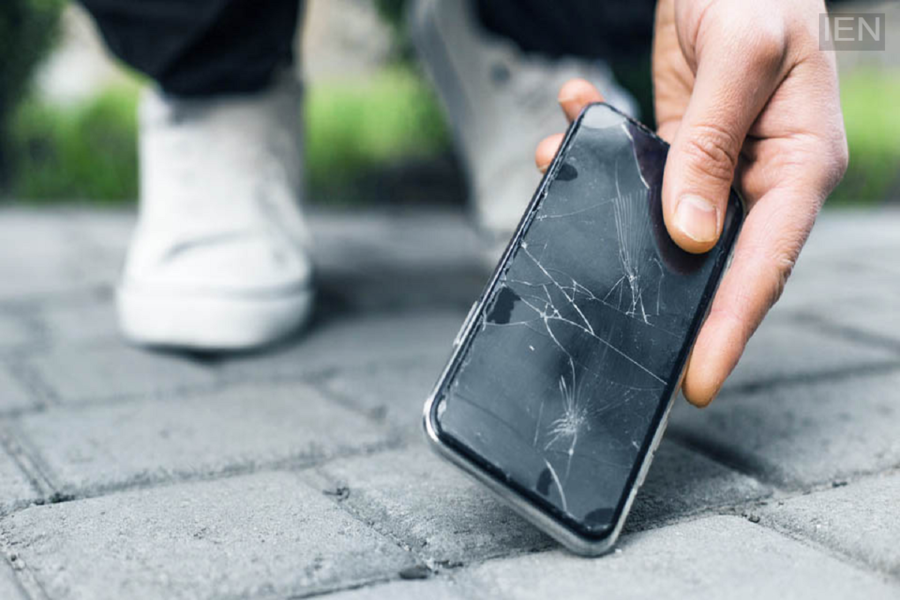
Phone Screen Problems: Ignoring issues with your phone's screen can prove costly. It can not only worsen the screen's condition but also risk damaging other internal components.
Phone Screen Problems: The screen is a crucial component of a phone, and any malfunction can cause significant trouble. While detecting faults in internal parts can be difficult, screen-related issues are easily noticeable. Problems like green lines appearing on the screen or the touchscreen becoming unresponsive should not be ignored; if left unresolved, these issues tend to worsen over time.
Don't ignore these phone screen problems:
Ghost touch: As the name suggests, the touchscreen starts operating on its own—meaning the screen responds even without you touching it. This can lead to various issues, such as unintended changes to settings or the accidental deletion of apps. There is also a risk of losing important data or messages. If your phone is experiencing this problem, get it repaired promptly.
Screen lifting: Sometimes, due to a malfunction, the screen may pop out of the phone's chassis. If this is happening to your phone, get it fixed immediately, as using the device in this condition can be dangerous. The gap created by the lifting screen allows dust, dirt, or liquids to enter, potentially damaging internal components. This could increase repair costs, as other components might need replacement alongside the screen.
Green lines on the screen: This is a common issue in many Android phones. Users may see multiple green lines or a single green line that gradually expands. Issues involving pink or white lines appearing on the display have also been reported. Regardless of the color or number of lines appearing on the display, this indicates a problem with the screen that requires repair. Although phones continue to function even after lines appear, these lines can cause ongoing damage to the display.
Touchscreen malfunction—in some mobile phones, the screen may react without being touched, while in others, the touch function fails to work correctly. This issue is common in older phones or following a fault in the display panel and should be addressed promptly.
Appearance of black dots—issues such as black dots, areas of excessive brightness, or blurring near the edges of the screen are collectively known as "screen bleeding." If you notice any of these signs on your phone's screen, getting it repaired or replaced would be a wise decision.
