
Is your phone lying? Find out why it shows a "Liquid Detected" message even when it is dry.
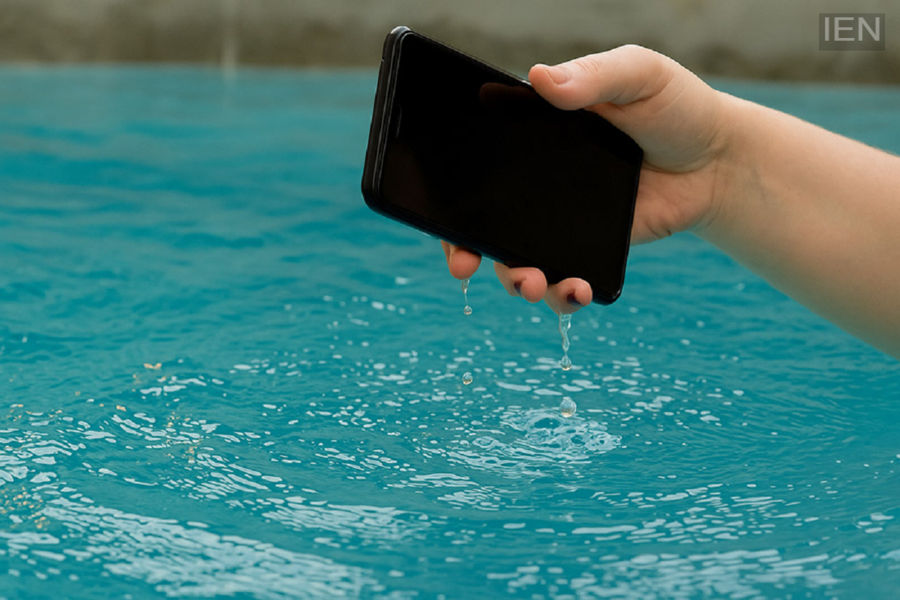
Liquid Detected Alert: This feature is designed for the safety of smartphone users.
Liquid Detected Alert: While smartphones have made life easier, advancing technology also brings new issues for users to deal with. This year, many have encountered a specific problem: receiving a "Liquid Detected" alert message even when no water has entered the phone. This issue often arises while charging the device. Let’s understand why users are facing this problem.
What is the "Liquid Detected" alert?
This feature is designed to ensure the safety of smartphone users. It alerts the user if there is an issue with the charging port or an internal process. If moisture or water has entered the charging port, or if there is a circuit-related problem inside the phone during charging, the feature immediately issues an alert.
What should you do if you receive this alert?
If you are repeatedly receiving this alert, there is no need to panic. First, disconnect the charger from your smartphone. Next, carefully inspect the charging port for any issues. If there is dirt or debris accumulated in the port, clean it out; the alerts should stop after that.
Additionally, if your phone has actually fallen into water or water has entered it for some reason, wipe it down thoroughly and let it air dry. If the problem resolves after a while, that’s great; otherwise, you can try using a different charging cable or port. Sometimes, simply restarting the phone can also resolve the issue.
When does the phone trigger this alert?
It is worth noting that this alert appears more frequently during humid weather or the rainy season. Additionally, while running or playing sports, small droplets of sweat can sometimes reach the port; the sensor interprets this as excessive moisture and triggers the alert.
Moreover, moving quickly from a cold environment into intense heat or direct sunlight—or exposure to high humidity—can also cause your phone to send this alert. The sensor may also trigger the alert due to dust and dirt in the charging port, the use of a faulty or low-quality charging cable, or a software or sensor malfunction.
