
Is your Aadhaar card 10 years old? Take note of this—otherwise, your essential tasks could come to a halt.
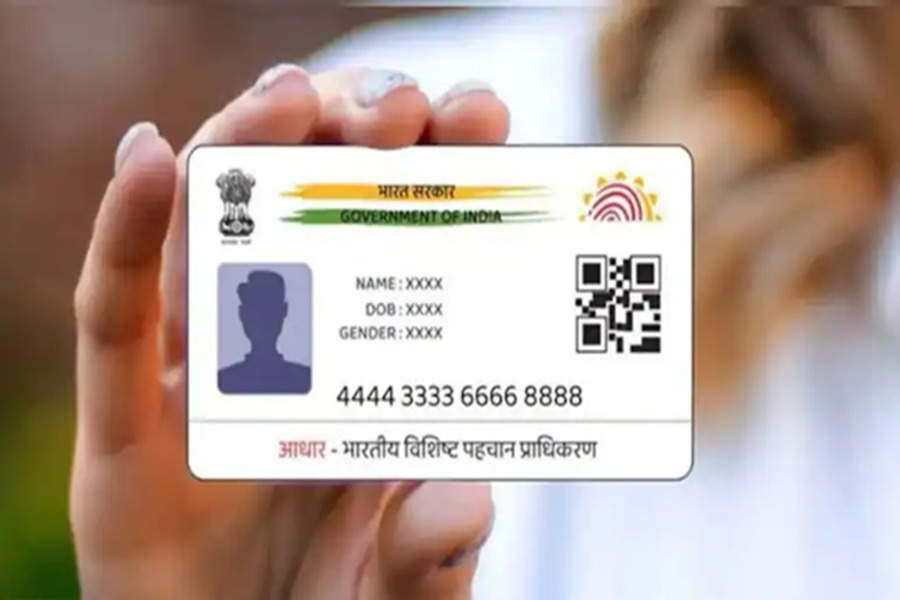
Aadhaar News: In today's times, the Aadhaar card is no longer just an identity card; it has become the key to almost every essential task. Whether it involves opening a bank account, obtaining a SIM card, or availing the benefits of a government scheme, Aadhaar is required everywhere. However, if your Aadhaar card is several years old and you have not updated it, you may face difficulties.
What is the New Rule?
According to the regulations set by the Unique Identification Authority of India (UIDAI), individuals who have not updated their Aadhaar details within the last 10 years are now required to update their information once again. If your Aadhaar is not up-to-date, you may encounter issues regarding banking services, government schemes, and various other essential services. In many instances, verification processes may even fail due to outdated data.
How to Check Your Aadhaar Card's Date?
To do this, look at the bottom-left corner of your Aadhaar card; the date of issuance is printed there. If your Aadhaar card was issued in 2016 or earlier, it is mandatory to get it updated. The good news is that you can update your Aadhaar online completely free of cost until June 14, 2026. Conversely, if you choose to get your Aadhaar updated at an Aadhaar Center, you will be required to pay a fee of approximately ₹50.
Updating your Aadhaar after this specific date may incur higher fees; therefore, it is advisable to complete the process in a timely manner.
Which Documents Are Required?
Before proceeding to update your Aadhaar, you must have two types of documents ready:
Proof of Identity (POI): PAN Card, Voter ID, Passport
Proof of Address (POA): Electricity Bill, Bank Passbook, Ration Card
Please ensure that these files are in JPEG, PNG, or PDF format and that their file size is less than 2 MB.
How to Update Your Aadhaar from Home?
If you wish to update your Aadhaar card yourself, follow these steps:
Visit the 'My Aadhaar' Portal.
Enter your Aadhaar number and log in using the OTP (One-Time Password).
Select the 'Document Update' option.
Next, review your personal details and confirm them if they are accurate.
Upload the required POI and POA documents.
Once done, click on the 'Submit' button. After submitting, you will receive an SRN (Service Request Number) with which you can track your status.
Disclaimer: This content has been sourced and edited from NDTV India. While we have made modifications for clarity and presentation, the original content belongs to its respective authors and website. We do not claim ownership of the content.
