
Is Google Maps showing you a longer route? Check if this setting is enabled; here’s how to change it immediately.
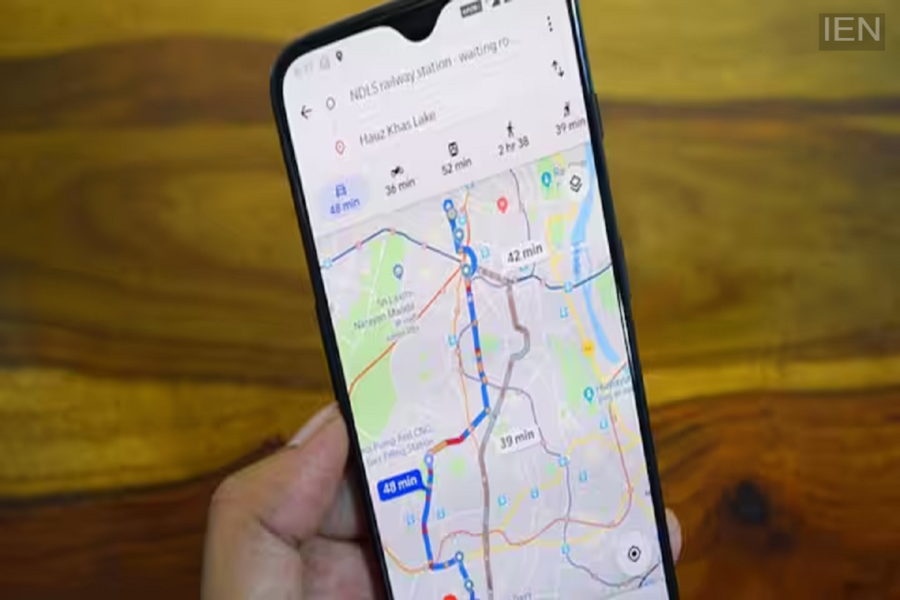
Google Maps: This happens due to the 'Fuel-Efficient Routes' feature in Google Maps.
Google Maps is incredibly useful for people today. From navigating new routes to finding petrol pumps, it handles a variety of tasks for you. Most people use Google Maps to find their way or to locate the shortest route. However, there are times when Google Maps directs you to a longer or busier route instead of the fastest one. If this happens to you, a simple setting change can resolve the issue.
There is a specific reason why Google might show a longer route. It is due to the 'Fuel-Efficient Routes' feature in Google Maps. The goal of this feature is to minimize your vehicle's fuel consumption. Consequently, if there isn't a significant difference between two routes, Google often suggests the one that consumes less fuel.
For your information, whenever you enter a destination, Google Maps presents multiple route options. You can then choose the route that suits you best.
Although other routes appear on the screen—which you can select manually—most people simply follow the route suggested by Google without checking the alternatives. However, the route suggested by Google isn't always the shortest or the fastest.
If you want to reach your destination in the shortest time possible, you can disable this specific setting in Google Maps. To do this, open Google Maps, go to 'Settings,' and select 'Navigation.' Scroll down and turn off 'Prefer Fuel-Efficient Routes.' After this, Google Maps will show you the fastest routes.
If you prefer not to disable this setting, you can still manually select the shortest or easiest route yourself. Note that routes marked with a green leaf icon on Google Maps are the fuel-efficient ones. After this, you can evaluate both routes to see which one suits you best and make your choice. Google Maps offers a wide range of features, but how you utilize them is entirely up to you.
