
Internet not working despite full network? Check these phone settings
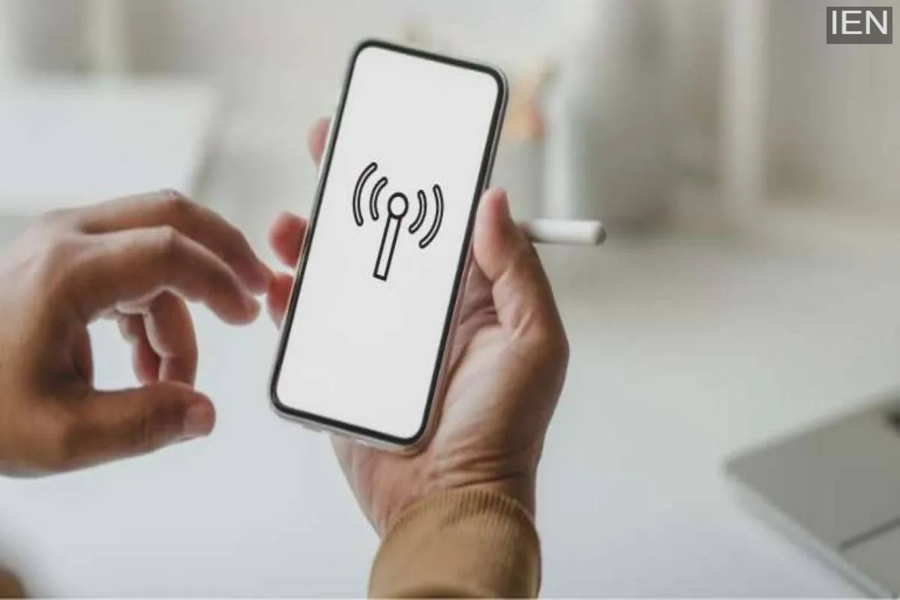
Have you ever experienced a situation where your phone shows full signal strength, yet you are unable to use mobile data? Often, such issues can be resolved by adjusting a few simple settings on your phone. As you know, the internet has become a necessity these days; it is hard to go even a few minutes without it. You need the internet for everything from making payments while shopping to video calling and other essential tasks. Given this, there are a few things you should check on your phone.
Adjust these settings
First, ensure that your daily mobile data allowance hasn't been exhausted. This issue commonly affects prepaid users, as companies offer them a limited amount of daily data. Users often face trouble accessing the internet once this daily limit is reached.
Additionally, if you are roaming and the 'Data Roaming' option is turned off in your phone's settings, you won't be able to use the internet. To fix this, go to your phone's settings, navigate to the mobile and internet section, and toggle the 'Data Roaming' switch to 'On'.
Check the SIM slot
If you are still facing internet issues after adjusting these settings, check whether the SIM card associated with your data plan is inserted in the primary (first) slot. If it isn't, turn off your phone, remove the SIM card, and insert it into the first slot.
Then, check if the internet is working.
If you are still having trouble using the internet, try switching your phone to 'Airplane Mode' and then turning it off after 10 seconds. This refreshes the network connection and should get your internet working again.
If the internet still doesn't work despite these steps, try restarting your phone. This often resolves connectivity issues. If the problem persists, contact your telecom operator's customer care and follow their instructions.
