
Important news for ESIC cardholders: Aadhaar is now mandatory; complete this process quickly on the portal.
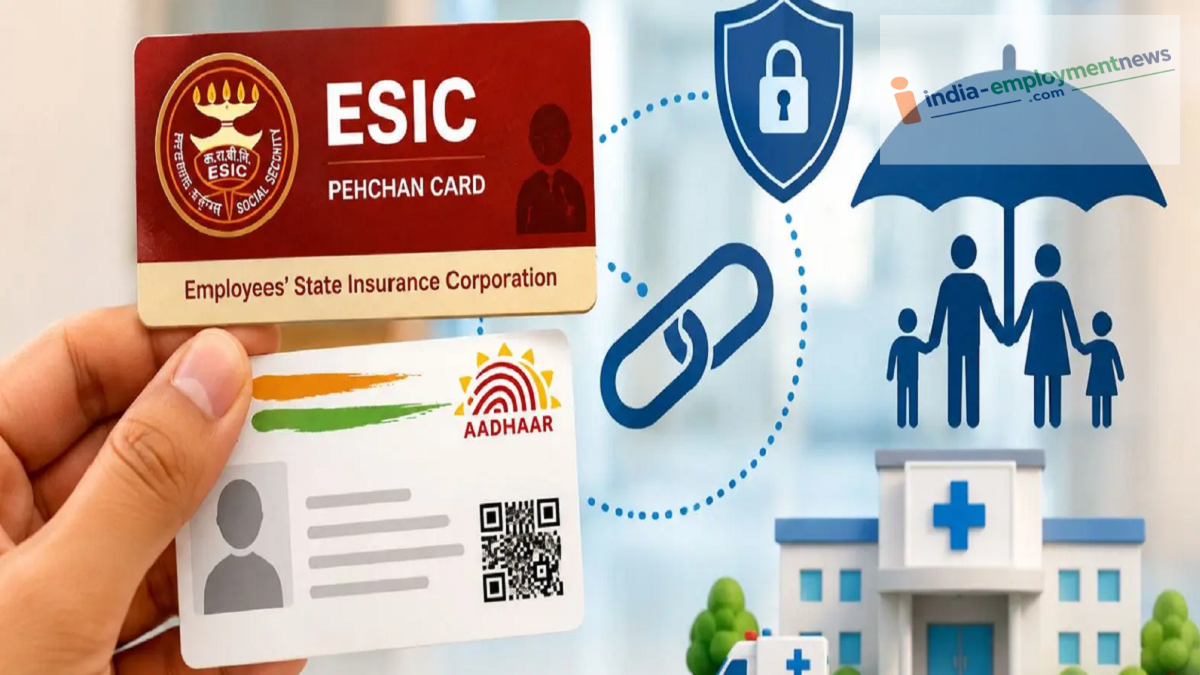
Do you avail benefits under the ESIC scheme? Linking your identity card with Aadhaar is now mandatory. Learn how to link Aadhaar online from the comfort of your home using OTP authentication.
There is important news for beneficiaries of the Employees’ State Insurance Corporation (ESIC). The Union Ministry of Labour and Employment has made Aadhaar authentication mandatory for all employees and their dependents availing benefits under the ESI scheme.
If you or any family member avails free medical treatment, medical attendance, or financial benefits under ESIC, you must now link your ESIC identity card (Pehchan Card) with Aadhaar.
Why has Aadhaar linking been made mandatory?
This decision has been taken under Section 142 of the Code on Social Security, 2020. The Ministry of Labour had directed ESIC to strictly implement the Aadhaar-based identification system.
Prevention of fraud: To eliminate fake or duplicate 'Insured Person' (IP) records created in the same individual's name.
Accurate identification: To ensure the correct beneficiary is identified through e-KYC.
Ease of access: To avoid facing any difficulties while availing hospital treatment or other financial benefits.
How to link the ESIC identity card with Aadhaar?
The process of linking (seeding) Aadhaar on the ESIC portal is very simple. You can complete it from home using OTP authentication.
| Step | Process | Details |
|---|---|---|
| 1. Open the Portal | Visit the ESIC website | Go to the official ESIC website and select “Insured Persons and Beneficiaries.” |
| 2. Log In | Access your account | Enter your ESIC User ID and password to log in. |
| 3. Select the Option | Choose Aadhaar seeding | On the dashboard, click “Aadhaar Seeding for IP.” |
| 4. Start the Process | Initiate Aadhaar linking | Next to the Insured Person’s (IP) name, select “Click Here to Seed Aadhaar.” |
| 5. OTP Verification | Verify Aadhaar | Enter your Aadhaar number and verify it using the OTP received on your registered mobile number. |
| 6. Save Reference Number | Keep the acknowledgement | After submission, you will receive a reference number. Save it for future reference. |
Is there a deadline for linking Aadhaar?
According to the Ministry's notification dated September 7, no specific deadline or final date has been set for linking Aadhaar at this time. However, to avoid any inconvenience, beneficiaries are advised to visit the ESIC portal and update their Aadhaar details—as well as those of their family members—as soon as possible. The government has clarified that there will be no compromise on the security and privacy of Aadhaar data, and the entire process will be carried out in strict adherence to the security standards laid down under the Aadhaar Act.
