
If you use LPG cylinders from Bharat Gas, Indane, or HP, complete this important task immediately.
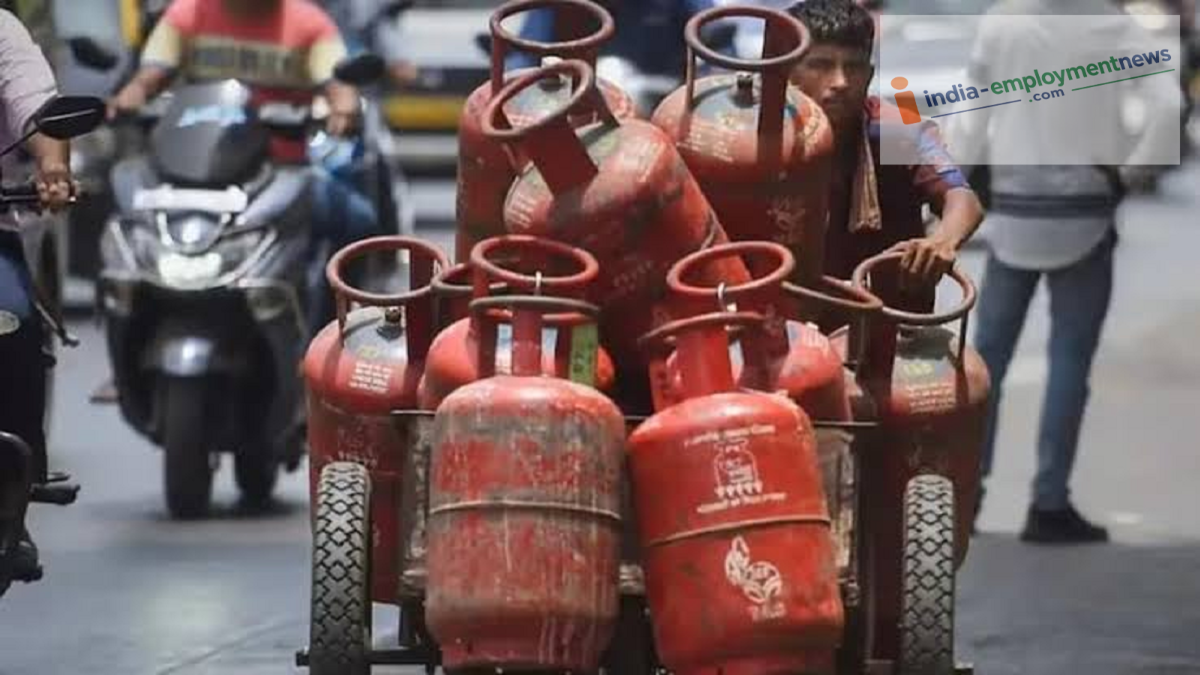
LPG e-KYC: If you do not have a PNG connection at home and currently use LPG, get your e-KYC done immediately; otherwise, your connection could be disconnected.
LPG News: Do you use LPG instead of a PNG connection at home? If so, this news is crucial for you. Failing to complete this specific task could lead to difficulties. But what is this important task? Let us explain.
Which important task needs to be completed?
It has been made mandatory for LPG customers across the country to complete their e-KYC. Whether a consumer uses Indane, Bharat Gas, or HP gas cylinders, they must verify their identity online—a process that can only be completed through e-KYC. The deadline for e-KYC is August 23, 2023, meaning you have only one day left.
Complete e-KYC from the comfort of your home.
This task is not difficult, as it does not require a visit to the gas agency’s office; it can be done from home using your mobile phone. You simply need the app associated with your specific gas connection provider:
Those with an Indane gas connection can complete e-KYC via the ‘IndianOil ONE’ app.
Those with a Bharat Gas connection can complete e-KYC via the ‘Hello BPCL’ app.
Those with an HP Gas connection can complete e-KYC themselves via the ‘HP Pay’ app.
Here is how users of these three services can complete e-KYC using their mobile phones.
Check out the step-by-step process below:
Indane Gas customers: How to complete e-KYC from home
First, download the ‘IndianOil ONE’ app on your mobile phone.
Next, log in or register using the mobile number linked to your LPG connection.
Link your LPG ID if required. Next, select the e-KYC or Aadhaar authentication option to verify it.
Then, open the Aadhaar FaceRD app and scan your face as instructed.
Once the process is complete, check for the e-KYC confirmation.
How Bharat Gas customers can complete e-KYC
First, open the Hello BPCL app on your smartphone; download it if you haven’t already.
Log in using the mobile number linked to your LPG connection. Verify the number using the OTP you receive.
Select your Bharat Gas connection.
Navigate to the e-KYC or Aadhaar authentication option within the app.
Verify your Aadhaar; if required, perform face verification using Aadhaar FaceRD.
Complete the process and check for confirmation.
How HP Gas customers can complete e-KYC
First, open the HP Pay app on your smartphone; download it if you haven’t already.
Log in using the mobile number linked to your LPG connection.
Select your HP Gas connection within the app.
Choose the e-KYC or Aadhaar authentication option and proceed with Aadhaar verification.
If required, complete the face scan using Aadhaar FaceRD, then submit the details.
What happens if e-KYC is not completed?
Failure to complete e-KYC by August 23 does not mean your LPG connection will be permanently cancelled. However, a pending e-KYC status could lead to the temporary suspension of your connection, and you might face difficulties in obtaining LPG cylinders at domestic rates until the verification is completed.
