
If you have forgotten your EPFO UAN, you can retrieve it using your Aadhaar and PAN; here are the easy steps..
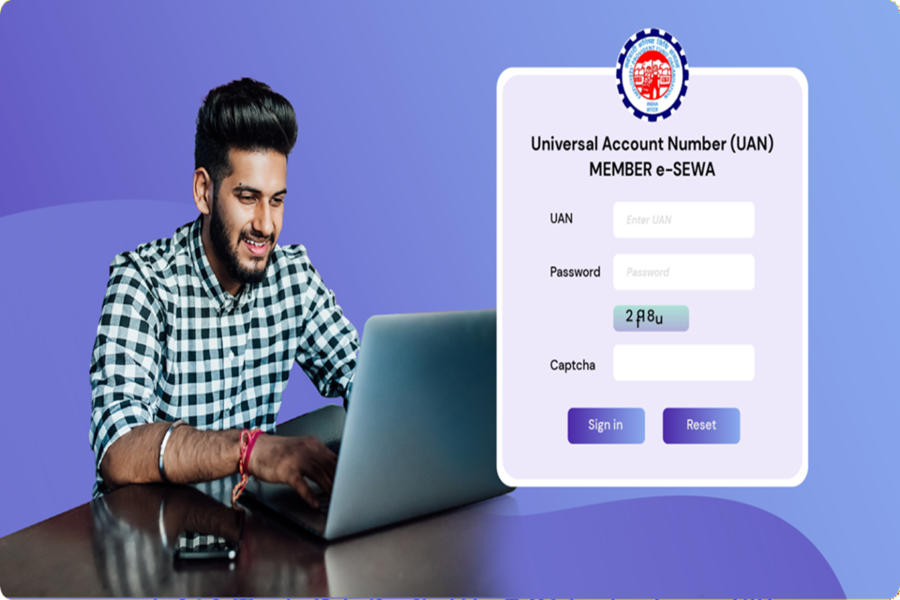
The Employees' Provident Fund (EPF) is one of the most popular long-term retirement savings schemes in India for salaried employees. Although most salaried individuals rarely need their Universal Account Number (UAN) in their daily lives, it is essential to have it if you wish to check your PF balance, transfer your account, update KYC details, or file a withdrawal claim. You cannot perform any EPF-related tasks without the UAN.
What is a UAN?
The Universal Account Number (UAN) is a unique 12-digit number assigned by the EPFO to every salaried employee. The UAN remains the same throughout an employee's career, even if they change jobs. Whenever an employer opens a new PF account, all such accounts are linked to the same UAN, making it easier to manage provident fund savings.
How to retrieve a lost EPFO UAN
If you have forgotten your UAN, the Employees' Provident Fund Organisation (EPFO) allows you to retrieve it via its official member portal or the government's UMANG mobile app. You can use details such as your Aadhaar, PAN, or PF member ID for this purpose.
How to retrieve your UAN via the EPFO portal
If your mobile number is linked to your EPF account, you can retrieve your UAN by following a few simple steps.
Step 1: Visit the EPFO member portal and click on "Know Your UAN".
Step 2: Enter your registered mobile number and the captcha code.
Step 3: Verify your identity using the OTP received on your mobile.
Step 4: Provide any one of the following details linked to your EPF account: PAN, Aadhaar, or EPF member ID. Step 5: Once the information is verified, your UAN will appear on the screen and be sent to your registered mobile number via SMS.
How to retrieve your UAN using your old PF number on the UMANG app
If you only remember your old PF number, you can also retrieve your UAN via the UMANG app by following a few simple steps.
Step 1: Open the UMANG app and search for EPFO.
Step 2: Select 'Employee Centric Services' and tap on "Know Your UAN".
Step 3: Enter your registered mobile number and the captcha, then verify using the OTP.
Step 4: On the identification screen, select 'Member ID'.
Step 5: Enter your old PF number (Member ID), your name as per EPFO records, and your date of birth.
Step 6: Click on 'Show My UAN'.
Step 7: Your UAN will appear on the screen and be sent to your registered mobile number via SMS.
Disclaimer: This content has been sourced and edited from NDTV India. While we have made modifications for clarity and presentation, the original content belongs to its respective authors and website. We do not claim ownership of the content.
