
How to Download Your Ayushman Bharat Card in 2025: Step-by-Step Guide (Online & Offline)
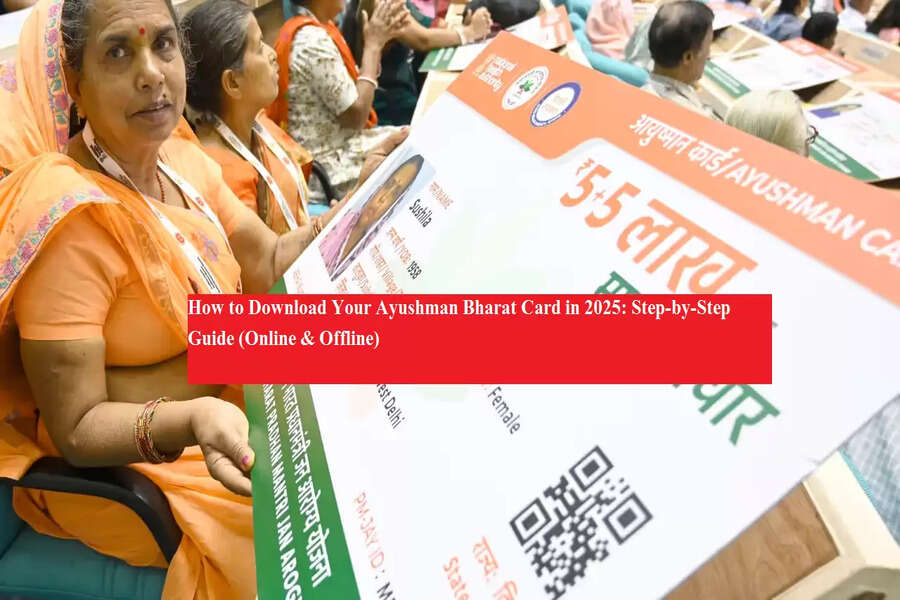
Ayushman Card Download: If you’ve registered under the Pradhan Mantri Jan Arogya Yojana (PM-JAY), you can now download your Ayushman Bharat card easily at home. Using your mobile number, Aadhaar, ABHA ID, or Family ID, you can access your card in minutes and avail cashless treatment at any empanelled hospital across India. Here’s a detailed step-by-step guide.
1️⃣ How to Download Ayushman Card Online
Step 1: Visit the official websites:
Step 2: Click on “Am I Eligible” in the top menu.
Step 3: Enter the captcha code and your registered mobile number, then verify using the OTP.
Step 4: Select your state, district, and scheme (PM-JAY). Then search using your name, Aadhaar, or Family ID.
Step 5: If e-KYC is pending, click “Do e-KYC” and complete verification via Aadhaar OTP.
Step 6: After 15–20 minutes, log in again, click “Download Card”, enter the OTP, and download your card in PDF format.
2️⃣ How to Get Ayushman Card Offline
You can also get your card through the nearest Common Service Center (CSC) or Ayushman help center:
-
Visit your nearest CSC.
-
Request your Ayushman Bharat Card and provide your mobile number for verification.
-
Submit all required documents to complete registration.
-
Once documents are verified, the authorized CSC official will prepare your card.
-
Collect your card from the same CSC after a few days.
3️⃣ Download via Mobile Number
-
Visit https://pmjay.gov.in.
-
Click “Am I Eligible”.
-
Enter mobile number and captcha, verify with OTP.
-
Fill in required details and search.
-
Click “Download” and verify OTP to save PDF.
4️⃣ Download via ABHA Number
-
Go to https://abha.abdm.gov.in.
-
Click “ABHA Login”, enter mobile/Aadhaar/ABHA number, fill captcha.
-
Login and click “View Health Card” to download PDF.
5️⃣ Download via Aadhaar or Family ID
-
Visit https://pmjay.gov.in.
-
Click “Am I Eligible”.
-
Log in using mobile OTP.
-
Choose Family ID or Aadhaar in search, complete e-KYC.
-
Click “Download Card” to save PDF.
6️⃣ Using the NHA Beneficiary Portal
-
Login with mobile number, search using your details.
-
Complete pending e-KYC if any.
-
Click “Download Card” to save PDF.
7️⃣ Using the Ayushman Bharat App
-
Install the Ayushman Bharat App on your mobile.
-
Open the app, select Login → Beneficiary.
-
Enter mobile number, captcha, and OTP to log in.
-
Search using Family ID, then click “Download Card”.
-
Verify OTP and save the PDF on your device.
8️⃣ Troubleshooting Ayushman Card Download
-
Clear your browser cache or try again after 15–20 minutes.
-
Use the portal beneficiary.nha.gov.in as an alternative.
-
For assistance, contact the Ayushman Helpline: 14555.
9️⃣ How to Print Your Ayushman Card
-
Open the downloaded PDF file.
-
Click the Print icon.
-
Print in color and keep it safely for hospital visits.
This method ensures you have a valid Ayushman card ready for cashless treatment across India, whether you prefer online or offline options.
