
How to Check Your TV Remote: Is the Remote Faulty or the Battery Dead? Find Out Using Your Mobile Camera
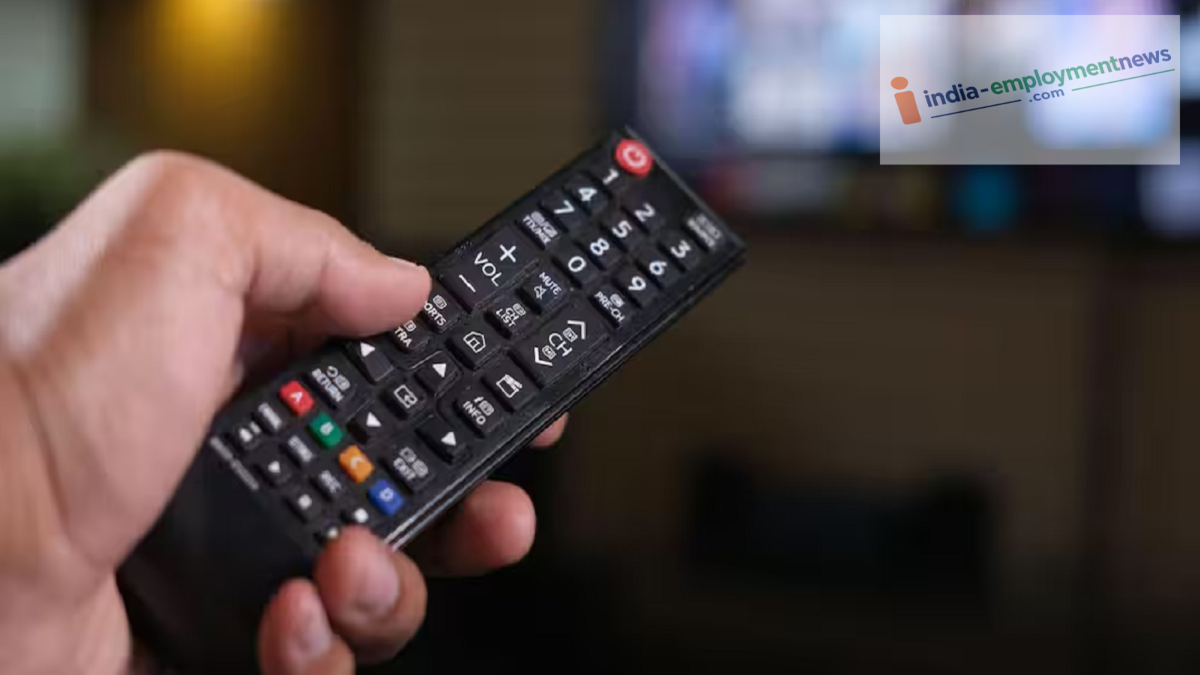
How to Check Your TV Remote: You can now determine the issue with your TV remote—and identify exactly which internal component is malfunctioning—right from the comfort of your home using your phone's camera.
How to Check Your TV Remote: Often, while watching TV, the remote suddenly stops working. We repeatedly press the buttons or tap the remote against our hand, yet the channel doesn't change. In such moments, the biggest confusion is whether the remote itself is internally damaged or if the batteries have simply run out.
In this situation, people often rush to buy a new remote or make trips to a repair shop. However, did you know that the smartphone in your pocket can solve this problem in seconds? You can perform a live test of the remote at home in just 10 seconds using your mobile camera.
How Does a TV Remote Work?
Most TV, AC, and set-top box remotes available on the market operate using infrared light technology. Whenever you press a button on the remote, the small bulb at the front emits an invisible beam of light that transmits a signal directly to the TV's sensor. The frequency of this infrared light is such that it cannot be seen by the naked human eye. However, the sensors in our smartphone cameras can easily detect and record this light. We can leverage this technology to test the remote.
How to Check Using the Mobile Camera?
First, open the primary (rear) or front camera app on your smartphone. Now, while looking at the camera screen, press and hold any button on the remote. While pressing the button, watch the mobile screen closely to see if there is any activity or light visible from the remote's bulb. If pressing a button causes a flashing purple, red, or white light from the remote's emitter to appear on your mobile screen, it indicates that the remote is functioning correctly and the batteries are active. In this case, the issue might lie with your TV's sensor. If the light is visible but appears very dim or weak, it suggests the batteries are running low; replacing them with fresh ones should restore the remote's functionality. However, if no light appears on the mobile screen upon pressing the button, it implies that either the internal circuitry is damaged or the batteries are completely dead.
Check by opening the remote
Additionally, rust or dust often accumulates on the metal springs or contact points inside the battery compartment, which can interrupt the power supply. Before replacing the batteries, try cleaning these contact points with a dry cloth or a matchstick. Often, this simple step is enough to get the remote working again.
